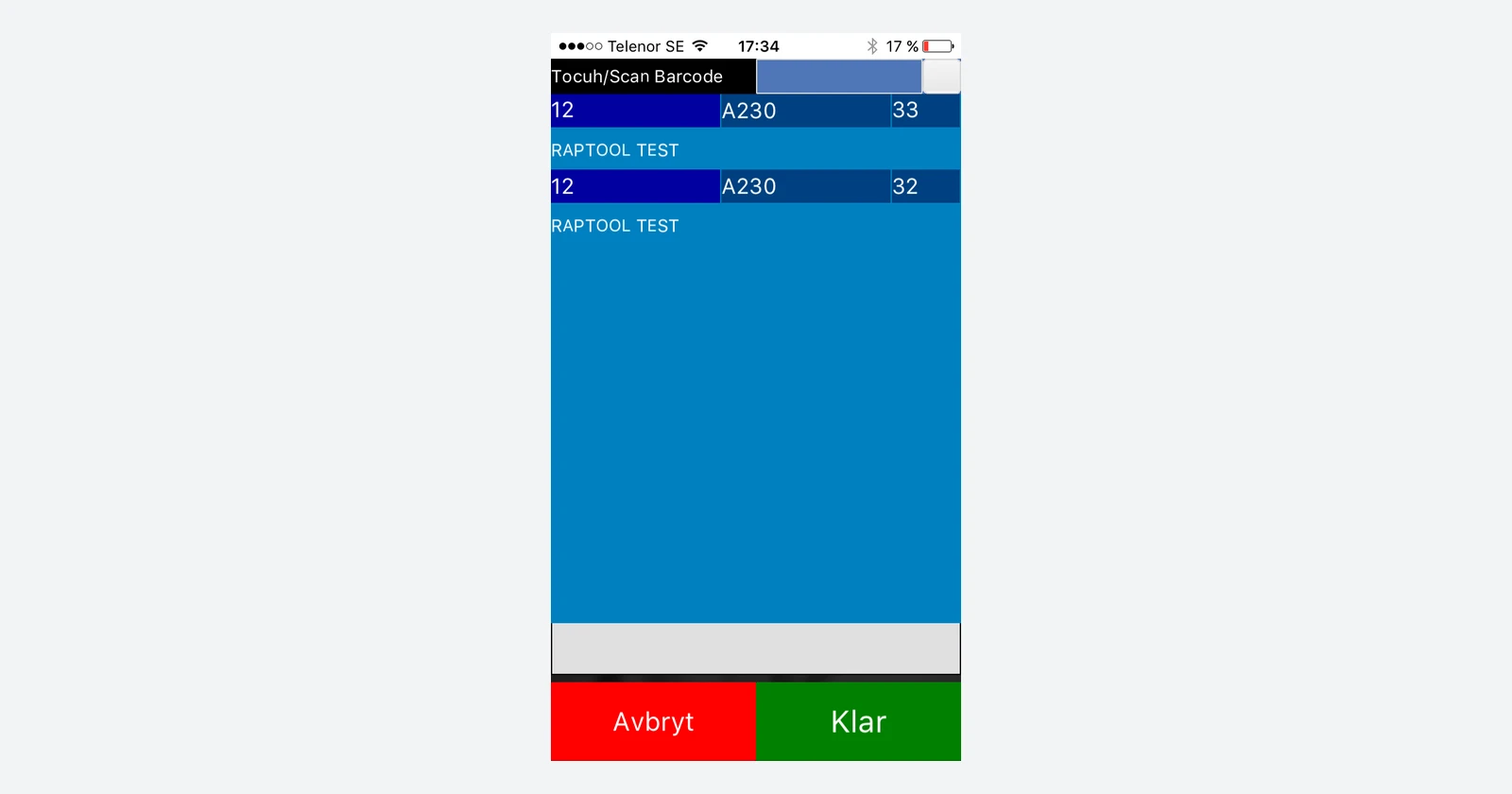
Bring the Fortnox workflow to the person doing the work.
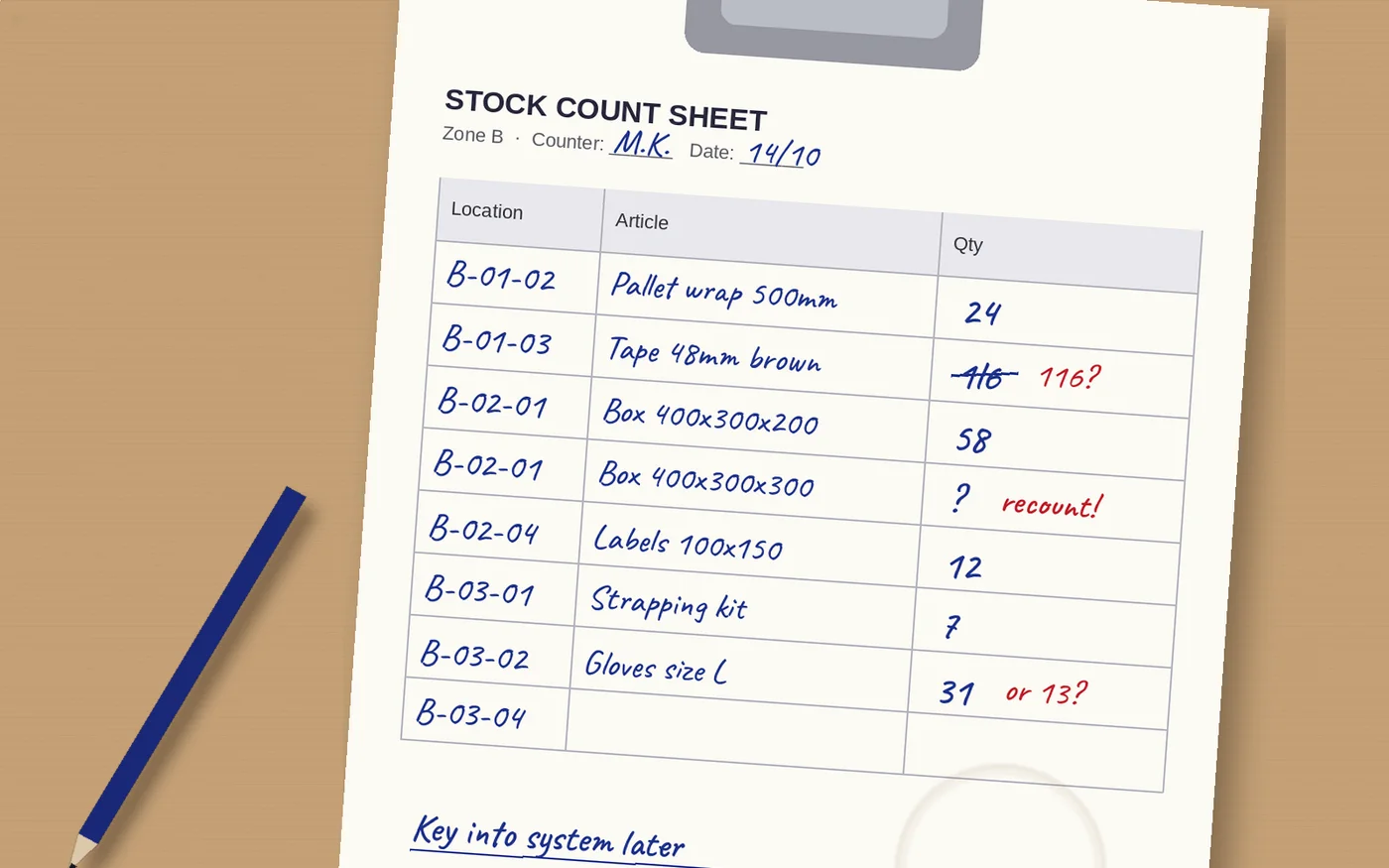
A completed pick should not need another handwritten note and another round of typing before the office knows what happened. The useful question is where information gets delayed between the shelf, the mobile worker and the business system.
Raptool’s Fortnox solution lists mobile picking, inventory counts, receiving and production add-ons, with ready-made and adapted app options. This guide shows how to plan those workflows and what to check before rollout.
Four jobs to bring onto a mobile app
| Workflow | What staff do | What to agree in the setup |
|---|---|---|
| Order picking | Work through the assigned lines and record picked quantities. | Order eligibility, product codes, shortages and the completion event. |
| Stocktaking | Identify the stock and record the physical count. | Count time, units, recounts and approval before adjustments. |
| Goods receiving | Check arriving goods and record the accepted quantities. | Over/short delivery, damaged goods and destination locations. |
| Production | Record the agreed assembly or component work. | Components, units, completed output and any stock movements. |
These are process designs to validate, not a claim that every screen or update rule is identical for every customer. The goal is to capture the result once, at the point where the work happens.
See how a connected workflow could run
Select an example. These are illustrations, not a live Fortnox connection.
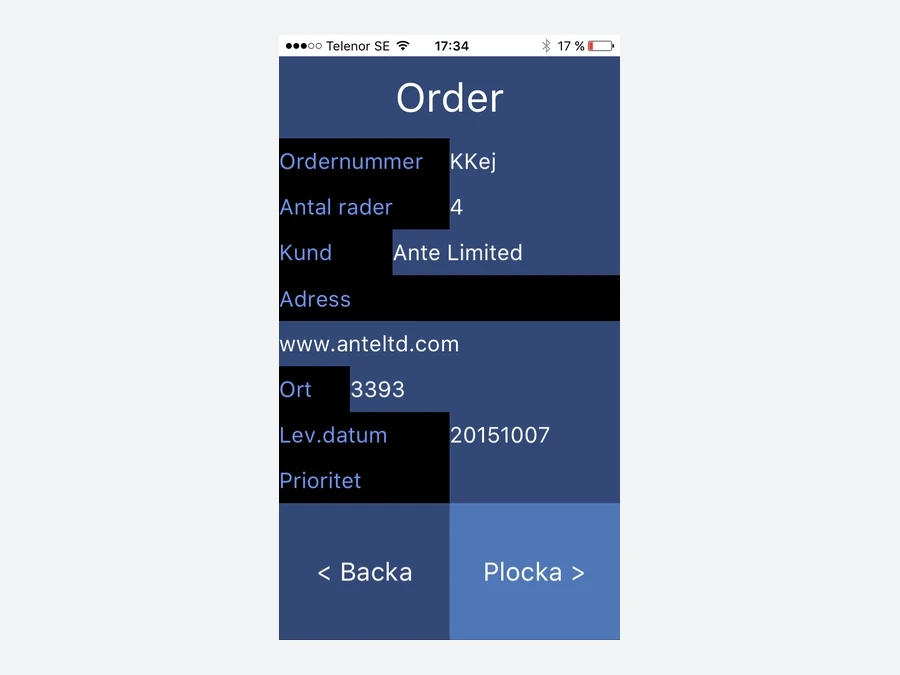
From an eligible order to a confirmed pick
- Bring the agreed order lines into the picking job.
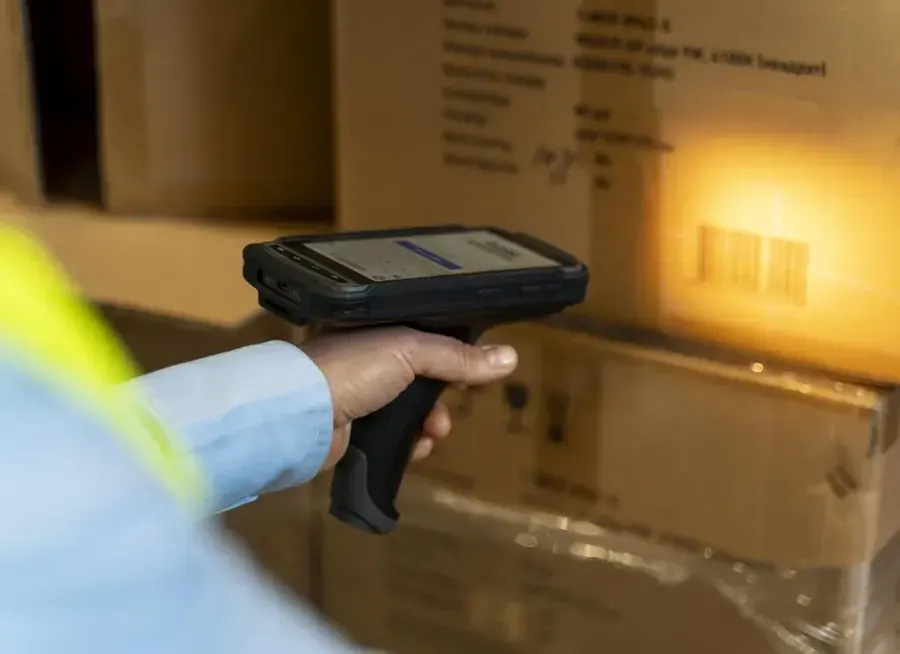
- Identify the location and scan the mapped product.
- Record the quantity picked and report any shortage.
- Return the agreed completion information through the connection.
Define picked, packed and shipped separately. Finishing a mobile task should not silently imply that every later step is complete.
Record the delivery at the goods-in point
- Open the expected receipt or the agreed receiving reference.
- Scan the product and check the correct pack or unit.
- Record accepted quantities and exceptions for review.
- Send the accepted result to the agreed stock or business-system process.
Specify what happens to a second delivery against the same reference and to damaged stock that must not become available.
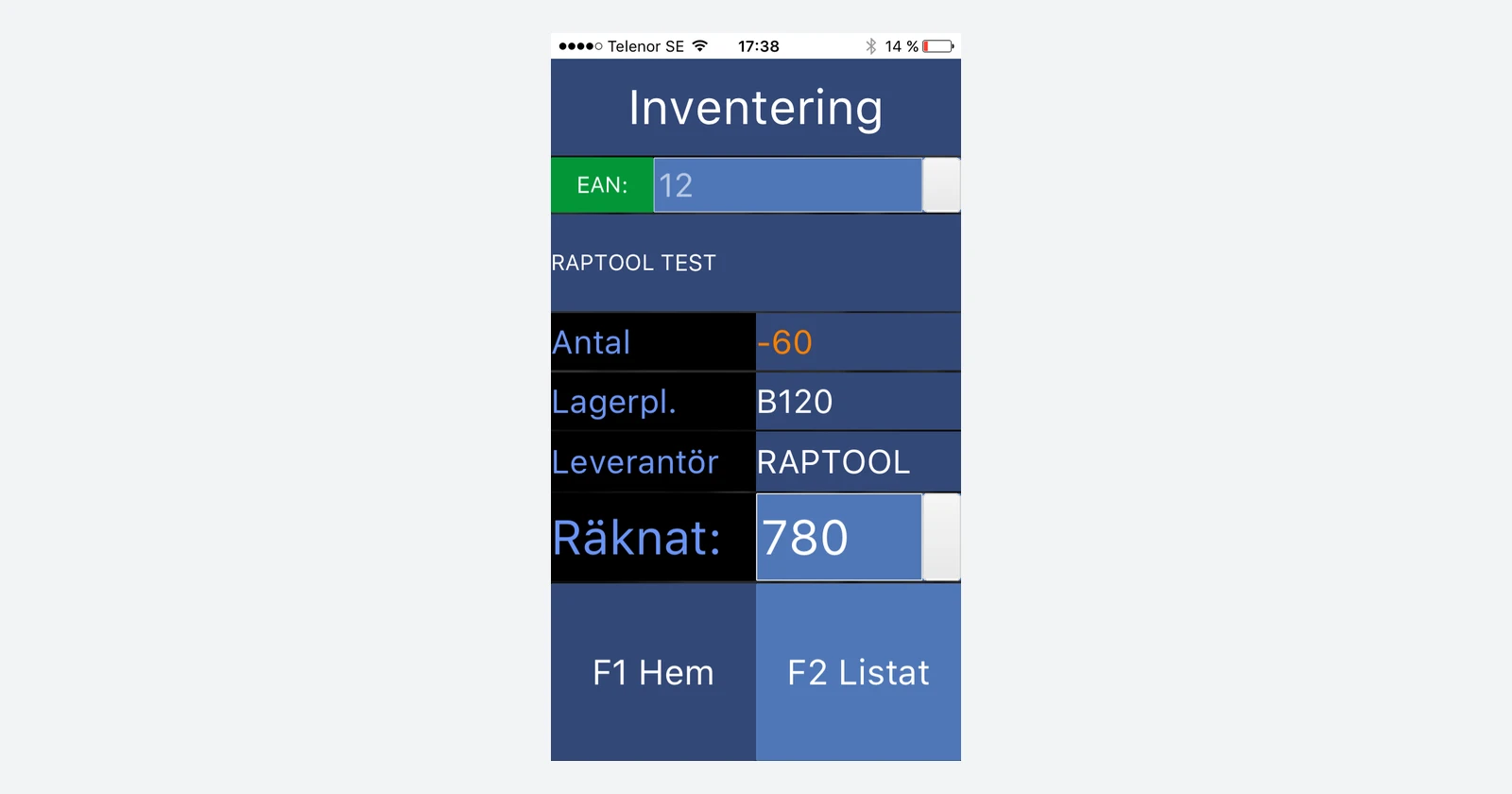
Count the physical stock, then review the difference
- Choose the assigned location or counting area.
- Scan the product and physically count the units.
- Enter the observation against the count time.
- Review discrepancies and authorize any stock adjustment.
A barcode identifies a product or pack; it does not measure the number of units behind it. Keep uncounted lines distinct from confirmed zero quantities.
Connect the data you need, with clear ownership
The product page describes exchanging records available through the Fortnox API. Fortnox’s own scope documentation explains that access is limited by the permissions granted to the connection and requires the relevant company licenses. A connection should therefore be checked against the actual resources and operations needed for the job.
Start with an agreed product identity. An article number, barcode and supplier code may represent the same product in different systems. Map them deliberately, including case-to-piece conversions. Then decide which system owns orders, locations, stock balances and completed movements. Avoid deducting the same picked quantity in two places.
Give each result a reference that can be traced back to the task. A delayed or repeated message should be recognized and handled without creating duplicate work. Define how staff see a failed update and who resolves it. If offline work is required, test the chosen app’s collection and synchronisation behavior rather than assuming the connection is always live.
Keep extra operational details where they belong
Raptool also describes using its CDS cloud database for supplementary information such as serial numbers, batches and composite-product details. Agree which data belongs there and which records return to Fortnox. This is a data-design decision, not a reason to keep two competing versions of the same stock balance.
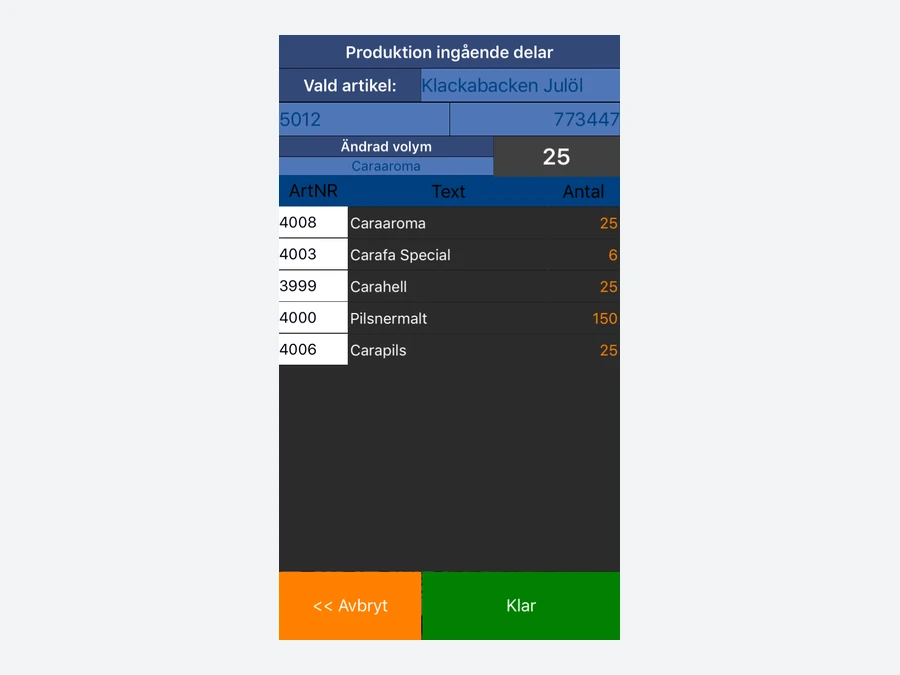
For production, test partial completion and the relationship between consumed components and finished output. For traceability, decide when a batch or serial identifier is captured and how staff retrieve it later. A useful mobile screen follows those rules clearly instead of hiding them behind a fast scan.
What could less re-entry save?
320 hours / 144,000 SEK per year
Assume two minutes less administration per order, 40 orders a day and 240 working days. At 450 SEK per hour, that time is worth 144,000 SEK in annual labor capacity before costs.
The two minutes cover handwriting, later entry and routine status chasing across the same completed order. They do not assume the warehouse walks faster or that physical picking disappears. Measure the full process so the same activity is not counted as a separate saving twice.
| Assumption | Example |
|---|---|
| Orders per year | 40 × 240 = 9,600 |
| Time released | 9,600 × 2 minutes = 320 hours |
| Gross labor capacity value | 320 × 450 SEK = 144,000 SEK |
| Assumed annual running costs | 24,000 SEK |
| Annual value after running costs | 120,000 SEK |
| Assumed upfront cost | 30,000 SEK |
| First-year value after both costs | 90,000 SEK |
These are hypothetical budgets, not Raptool or Fortnox prices. Released time becomes cash savings when it removes paid work, overtime or external costs. Reassigning staff creates capacity. No extra revenue or reduction in picking errors is assumed.
Pilot one process with a result you can verify
Choose picking or stocktaking as a first step. Use a small product set with realistic barcodes and units, then test a normal task, a wrong product, a shortage, a duplicate message and an interrupted connection. Compare the mobile result, the system record and the physical stock after each case.
Measure preparation, work at the shelf, office entry and correction time. Include the people who handle exceptions, not just the person scanning. Agree the acceptance result before adding more processes or locations.
Raptool and Fortnox questions answered
What does Raptool add to a Fortnox workflow?
Raptool lists mobile picking, stocktaking, receiving, production and other configurable operational add-ons for Fortnox. Agree the app, records and update rules for the work you need.
Can we use barcode scanners?
Raptool’s Fortnox page includes barcode-based workflows and published picking and stocktaking screens. Validate the device, barcode mapping and unit handling in the selected setup.
Does every Fortnox account expose the same data?
No. Fortnox API access depends on the granted scopes and the company’s licenses. Confirm the available resources and supported operations for the installed integration.
Does a scan confirm how many units are present?
A product barcode identifies an item or pack. The worker must still count and enter the observed quantity or use a deliberately configured per-unit scan mode.
Can we begin with one workflow?
A practical pilot can focus on picking or stocktaking first, with agreed ownership, exception handling and acceptance tests before adding more processes.
How much money could the example save?
The hypothetical example removes two minutes of administration per order across 40 orders a day and 240 days: 320 hours, valued at 144,000 SEK at 450 SEK/hour before costs. Capacity does not automatically become payroll savings.
Tags
Start with the workflow that creates the most repeated work. Review a mobile Fortnox solution with Raptool.
Explore Raptool + Fortnox