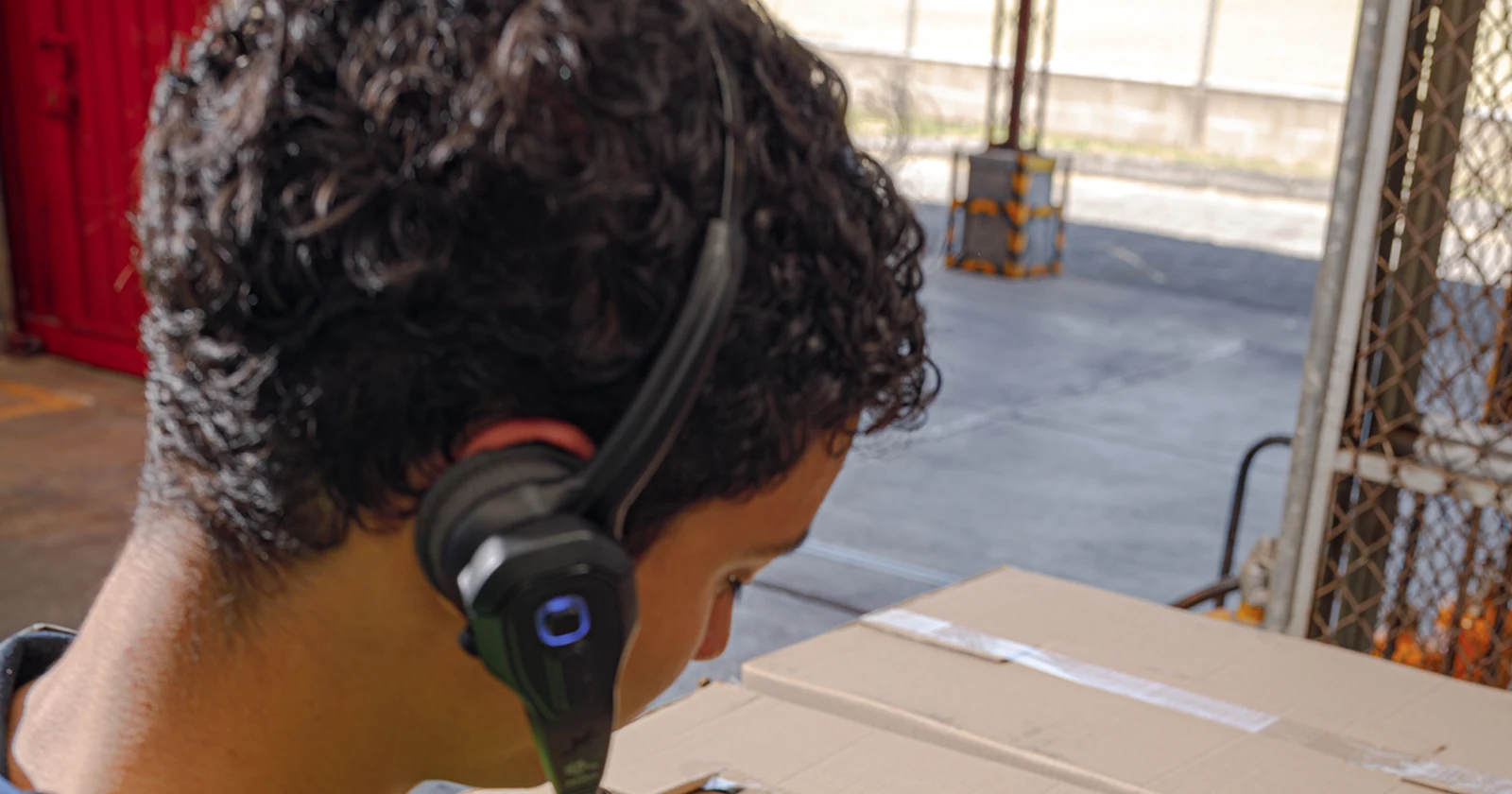
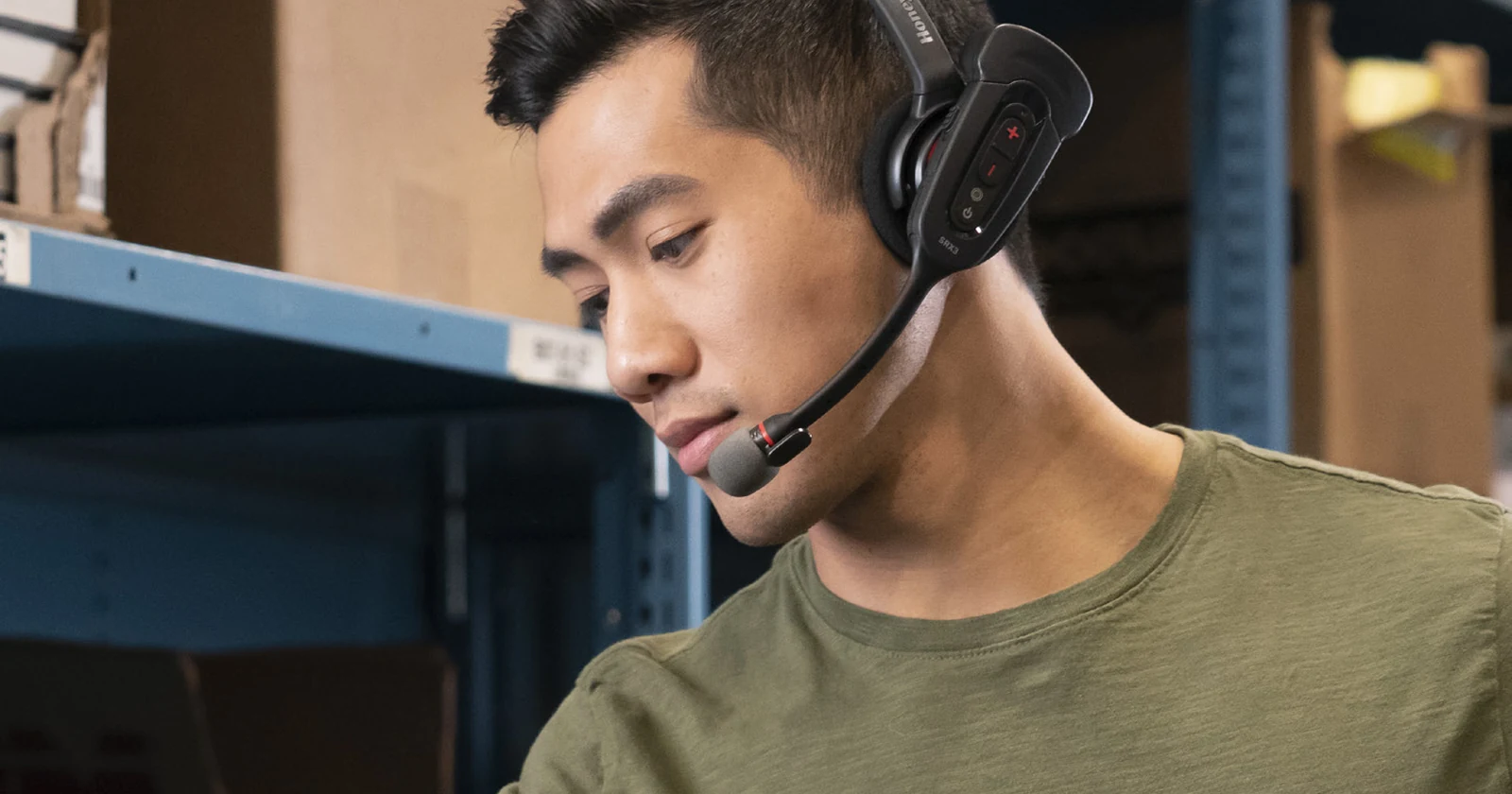
Hear the next location. Verify the pick. Keep moving.
Pick by voice brings the next instruction to the picker through a headset: go to a location, verify it, collect the requested item and confirm the quantity. It can reduce repeated glances at a screen while keeping barcode checks where they add value. Paper lists, barcode-only picking and voice picking should be compared on the complete job, including walking and corrections.
This guide maps the requested voice workflow to a Raptool WMS project. Raptool’s WMS page describes a voice-picking module that speaks the location, product and quantity, and the destination box when picking multiple orders. It also describes finger-mounted scanners and trolley or forklift scanning setups. Spoken guidance is documented; confirm spoken check-digit input and quantity replies, supported hardware, languages and licenses for your installation.
One pick, four ways to confirm it
Select a method. This is an illustrative workflow, not a live WMS connection. All four examples use the same location, item and quantity.
Spoken directions, scanned item
- WMS voice
Go to aisle A, bay 12, shelf 03.
- Picker
Scans the shelf barcode or speaks its check digit, 47.
- WMS voice
Location confirmed. Pick two blue work gloves. Scan the item.
- Picker
Scans the product barcode; the configured validation accepts the matching SKU.
- Picker
Picks two units and confirms quantity two.
- WMS
Records the accepted line and directs the next task.
Location and item checks are separate. The barcode confirms product identity; quantity confirmation records the picker’s stated count.
Verify the shelf by speaking
- WMS voice
Go to aisle A, bay 12, shelf 03. Check digit?
- Picker
Reads 47 from the shelf label and says “four seven”.
- WMS voice
Location confirmed. Pick two blue work gloves.
- Picker
Checks the product using the agreed item-control procedure, then picks two.
- Picker
Says “two” to confirm the picked quantity.
- WMS
Accepts the confirmation under the configured rules and records the result.
47 validates the shelf location. A location-only voice flow leaves a wrong-item risk if stock is mixed or misplaced. Add a product scan when SKU verification is needed.
Read, scan and confirm
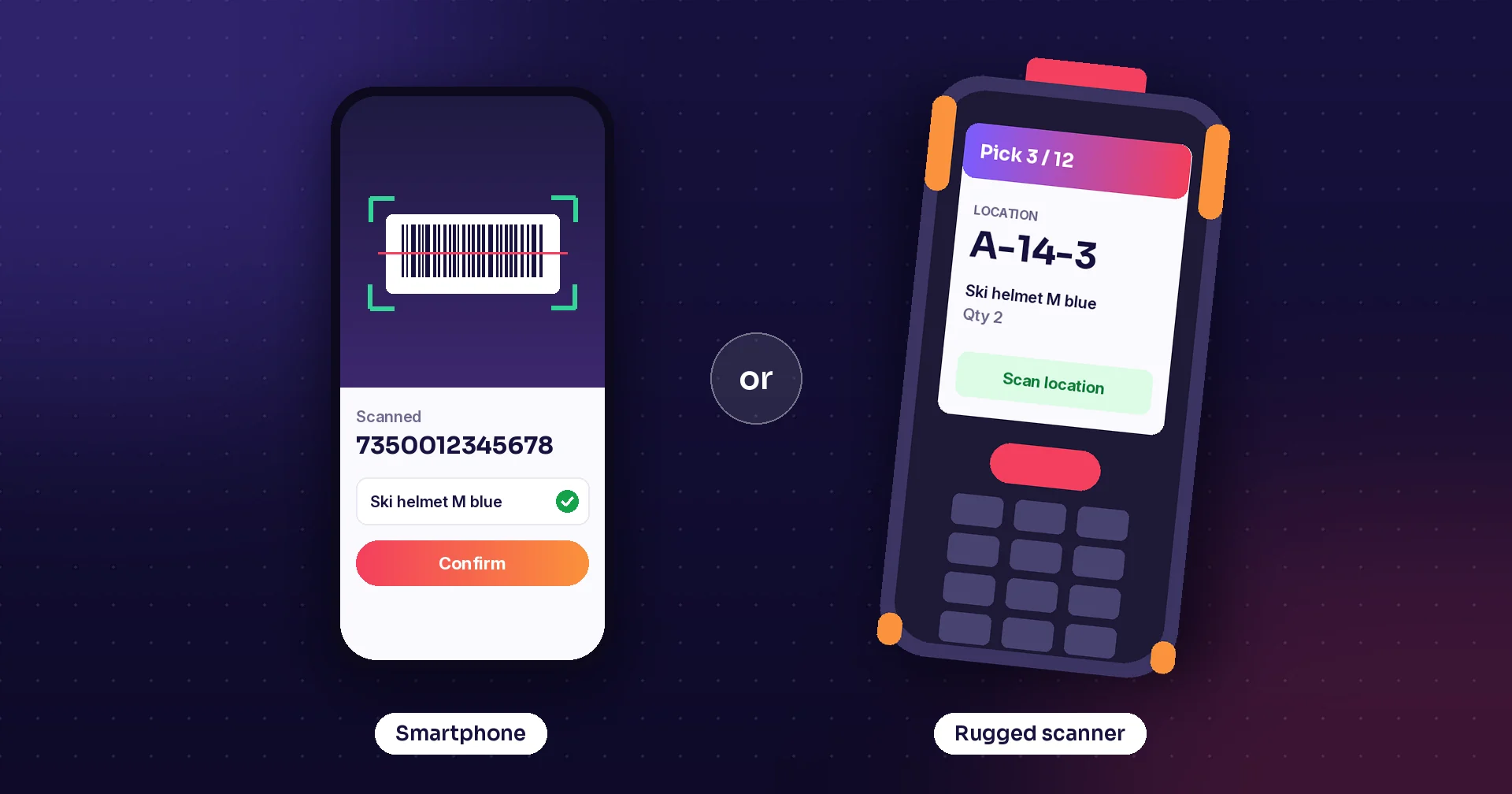
- Mobile screen
Shows A-12-03, blue work gloves, quantity two.
- Picker
Walks to the shelf and scans its location barcode.
- Picker
Scans the product barcode against the expected SKU.
- Picker
Picks two and enters or confirms the quantity.
- WMS
Records the accepted line and shows the next task.
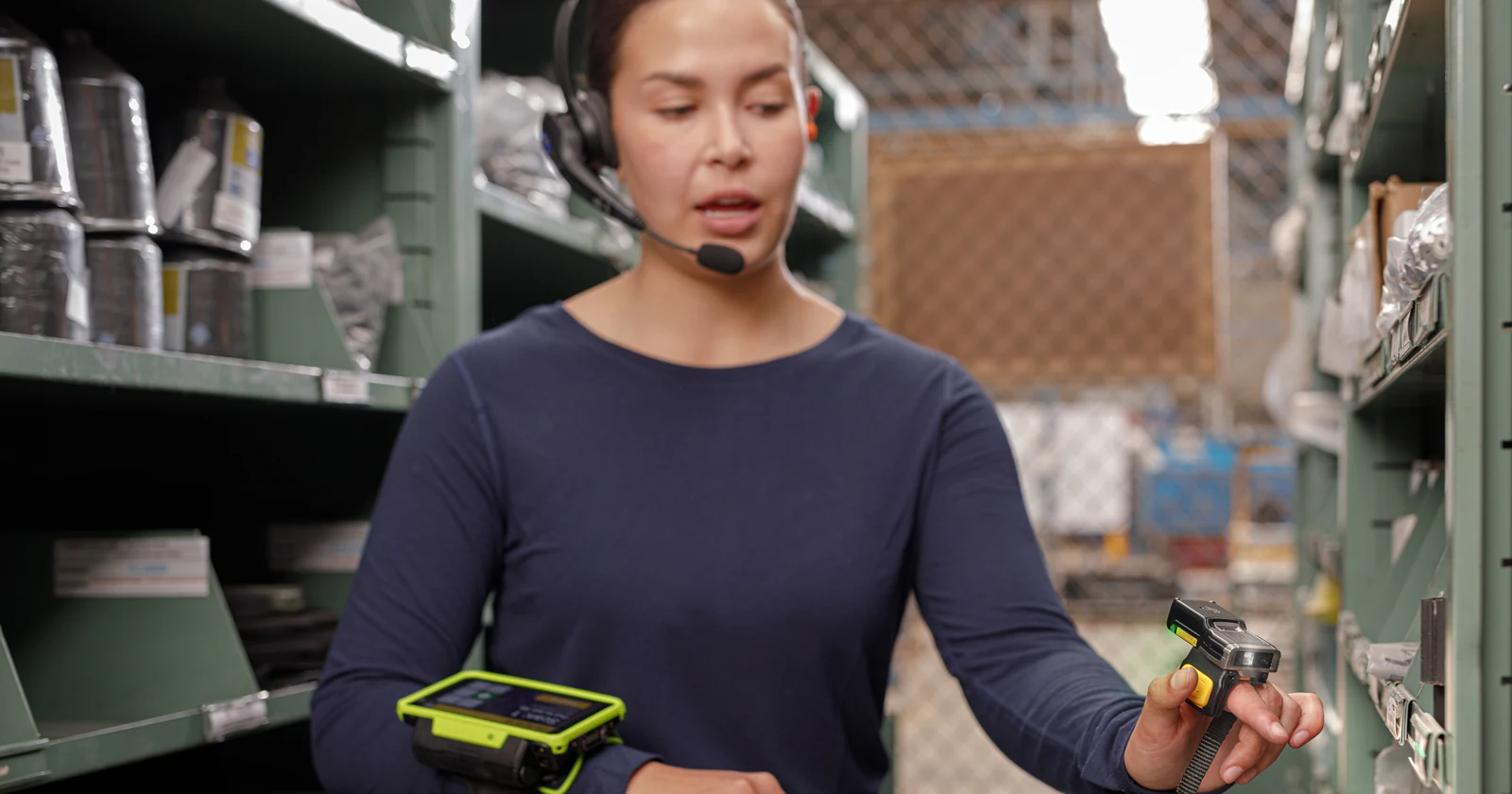
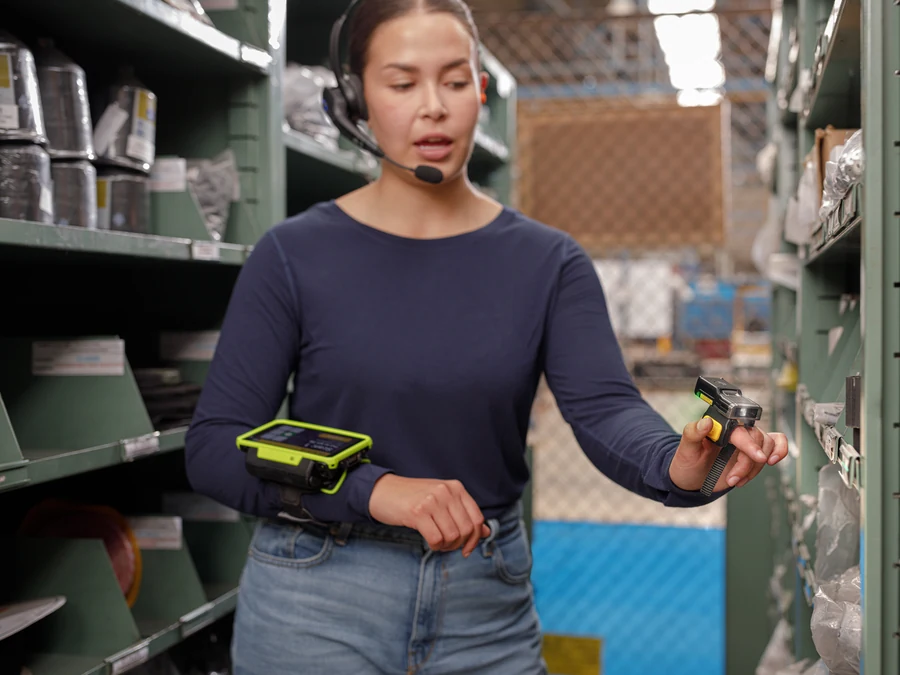
A wearable or ring scanner can also reduce handheld handling. Compare the actual equipment and validation steps, rather than assuming all barcode workflows occupy one hand.
Read the list and record the work
- Picking list
A-12-03 · blue work gloves · quantity two.
- Picker
Reads the shelf label and product description.
- Picker
Picks two units and marks the line on paper.
- Office or picker
Enters the completed quantity into the system under the agreed procedure.
The paper itself does not electronically validate the shelf or SKU. Delayed entry can leave completion and stock information behind the physical work.
What each method checks
A paper list gives the picker a route, item description and quantity to read. The worker locates the shelf, selects the product and records progress on paper or separately. The list itself does not confirm the location or item, and manual recording can leave a gap before the system is updated.
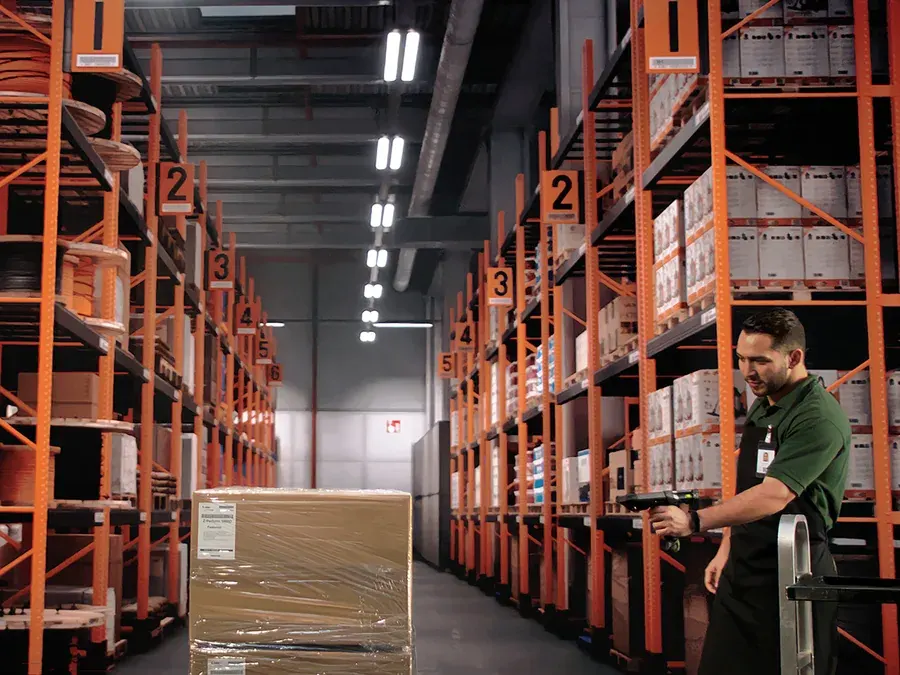
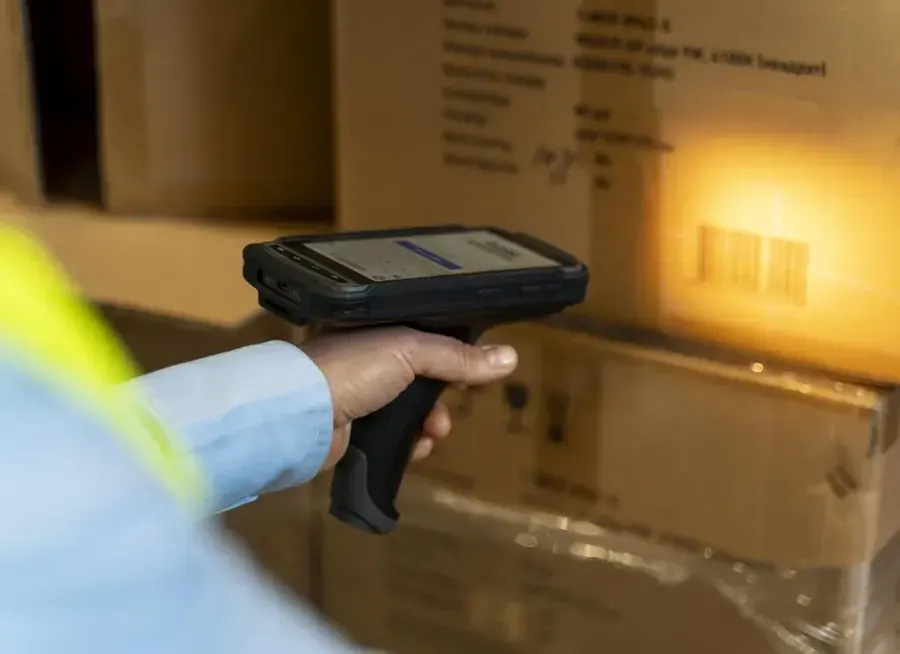
In a barcode-only workflow, a handheld scanner can capture a location barcode, an item barcode, or both, depending on the warehouse management system (WMS) configuration. A location scan confirms the slot; an item scan can confirm the product identity. The worker then enters or scans the quantity as the workflow requires. This gives electronic checks, though device handling may interrupt movement and product handling.
Voice can add spoken directions and confirmations to a picking process. A typical sequence is: the headset speaks the location, the picker confirms a shelf check digit, the system gives the item and quantity, and the picker confirms what was picked. Some workflows retain item scans; others use voice or another configured method. Zebra describes voice as an option for reading and entering data in an existing scanner-based process, with scanning available. Honeywell’s documentation likewise treats location check-digit verification and barcode verification as separate steps. Zebra: voice-enabling an existing picking process; Honeywell: barcode and location verification.
A spoken shelf check digit helps establish that the picker is at the directed location. It does not, on its own, prove that the item taken from that shelf is the correct SKU. Where wrong-item risk matters, the design should state how item identity is checked, such as by scanning the product barcode. Compare speed or accuracy only after confirming that both workflows check the same facts.
Comparison at a glance
| Method | Typical confirmation | Potential advantage | Question to resolve |
|---|---|---|---|
| Paper list | Worker reads and records manually | Simple, low device dependence | How are progress, errors and stock discrepancies captured promptly? |
| Barcode-only | Scan location and/or item; enter quantity | Electronic validation at configured steps | Which barcodes are mandatory, and how much device handling does the process add? |
| Voice plus barcode | Spoken directions/check digit and quantity, with item scan where configured | Can keep directions and confirmations hands-free while retaining item scans | Does the WMS record both location and item verification, and how are exceptions handled? |
| Voice with check digit | Spoken location check digit and quantity confirmation | Can reduce paper and repeated screen interaction | What separately validates the item, if SKU-level verification is required? |
Quantity checks and exceptions
Quantity confirmation should be explicit. One documented Honeywell workflow can ask the worker to confirm when the spoken quantity differs from the expected quantity. VoiceLink documentation also lists commands such as skipping a slot, revisiting skipped work or passing an assignment, with rules about when those commands can be used. These examples are specific to the documented workflow and may not apply to every implementation. Honeywell quantity confirmation; Honeywell VoiceLink workflow commands.
Before a pilot, define the response to a wrong check digit, failed scan, missing or damaged item, or short/over quantity. Confirm how the worker reports it and whether the WMS records the reason and routes follow-up work.
What the published results show
Honeywell reports that Lactalis Group saw a 32% increase in picking productivity during the first 18 months after implementation. It separately reports 18 seconds saved per worker-completed action compared with RF. These are different measures: the first is a reported productivity increase, while the second is time per action. They are not cash savings. The case also describes distributing shipments across multiple pickers, and does not define the productivity denominator or a controlled comparison. Honeywell’s Lactalis case account.
What could voice picking save?
489 hours / €14,667 per year
Assumed improvement over barcode-only picking: five seconds per line. Labor capacity before project costs; cash savings depend on avoiding paid work.
The following is a hypothetical scenario, not a measured customer result. Assume 1,600 lines per day, 220 operating days per year, and average end-to-end time per line—including walking, verification and recording—of 60 seconds for paper, 50 seconds for barcode-only, and 45 seconds for voice. That equals 5,866.67 annual labor hours for paper, 4,888.89 for barcode-only and 4,400 for voice. At those assumptions, voice represents 488.89 hours less than barcode-only and 1,466.67 hours less than paper each year.
At an assumed €30 per labor hour, those differences are €14,666.67 and €44,000 in annual labor capacity, respectively. They are not automatically cash savings: they become avoided cost only if paid hours, overtime, temporary labor or headcount actually fall. If voice also requires €7,000 upfront and €3,500 annual running cost, the annual capacity value after running costs is €11,166.67 versus barcode-only; after the €7,000 upfront cost, first-year capacity value net of both costs is €4,166.67. The 7.52-month payback follows only if the full €14,666.67 difference becomes cash savings, less €3,500 annual running costs, with €7,000 upfront. Do not count the same saved time again as both capacity and labor-cost reduction.
Where voice needs a closer look
Frequent screen handling is a useful reason to test voice. Long travel distances may leave less time for the interface to save. Check recognition in your warehouse noise, with the team’s languages and accents, and include retries in the timings. Try headset fit, cleaning, charging and battery changes across a whole shift. A comfortable wearable barcode setup may already remove much of the handling you hoped to avoid.
For mixed bins, similar products, serial numbers or batch-controlled stock, preserve the required item and traceability checks. Voice prompts should also make shortages and damaged goods easy to report. A spoken quantity is a recorded confirmation from the worker, not an independent physical count.
Run a like-for-like pilot
Choose representative aisles, order profiles and shifts. Compare the same work mix and include travel, confirmation and exception time. Track lines or units per paid hour, wrong-location and wrong-item errors, rework, short picks, onboarding time and worker feedback. Keep location checks and item checks as separate measures. Record the WMS configuration, barcode requirements, batch size and labor assumptions alongside the results. A short pilot can then show whether voice, barcode-only, paper or a combined workflow best fits the operation—and which benefits are measured rather than assumed.
Pick-by-voice questions answered
What is pick by voice?
A voice-enabled picking workflow speaks the next location and quantity, receives configured confirmations and records the picking result in the WMS. Barcode scans can remain part of the process.
Does a shelf check digit confirm the correct item?
It confirms the directed location. It does not by itself identify the product picked; use a separate item check, such as a product barcode scan, where SKU verification is required.
Can voice picking include barcode scanning?
Yes. A combined workflow can give spoken instructions while retaining location or item barcode checks. Select the scanner and confirmation steps for the required checks.
Is voice always faster than barcode picking?
No. Travel, order mix, scanning requirements, recognition retries and exceptions affect total picking time. Compare like-for-like workflows in a pilot.
How much could voice picking save?
The illustrative example assumes 1,600 daily lines, 220 working days and a five-second improvement over barcode picking. That frees about 489 hours a year, valued at €14,667 at €30/hour before project costs. Cash savings require avoided paid work.
What should be checked for a Raptool WMS voice project?
Raptool documents a voice-picking module with spoken location, item, quantity and multi-order box directions. Confirm spoken check-digit and quantity input, device/headset support, languages, licenses and exception handling for your installation.
Tags
Plan the voice, barcode and exception steps around your warehouse. Review the workflow and hardware with Raptool before the pilot.
Explore Raptool WMS