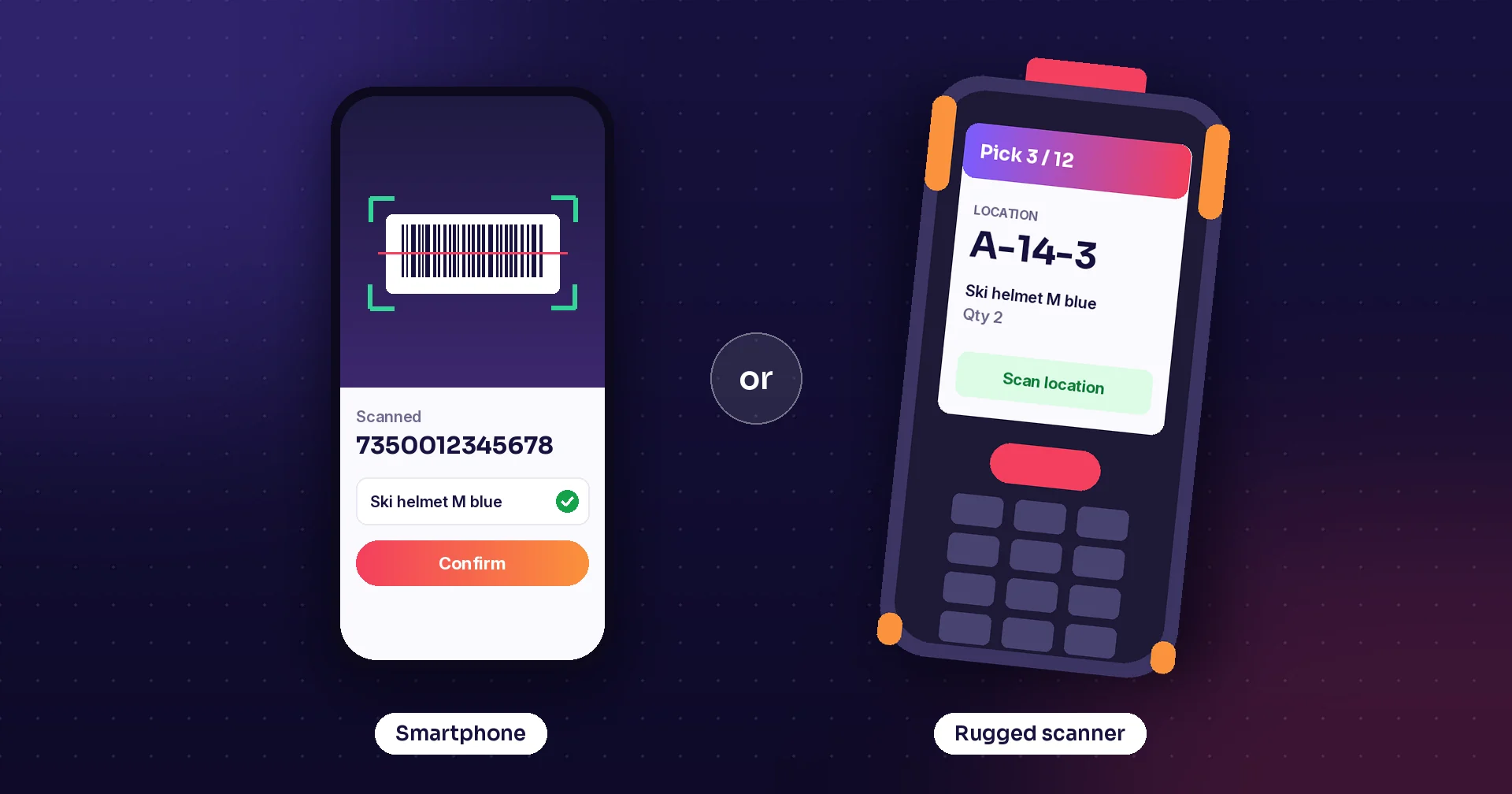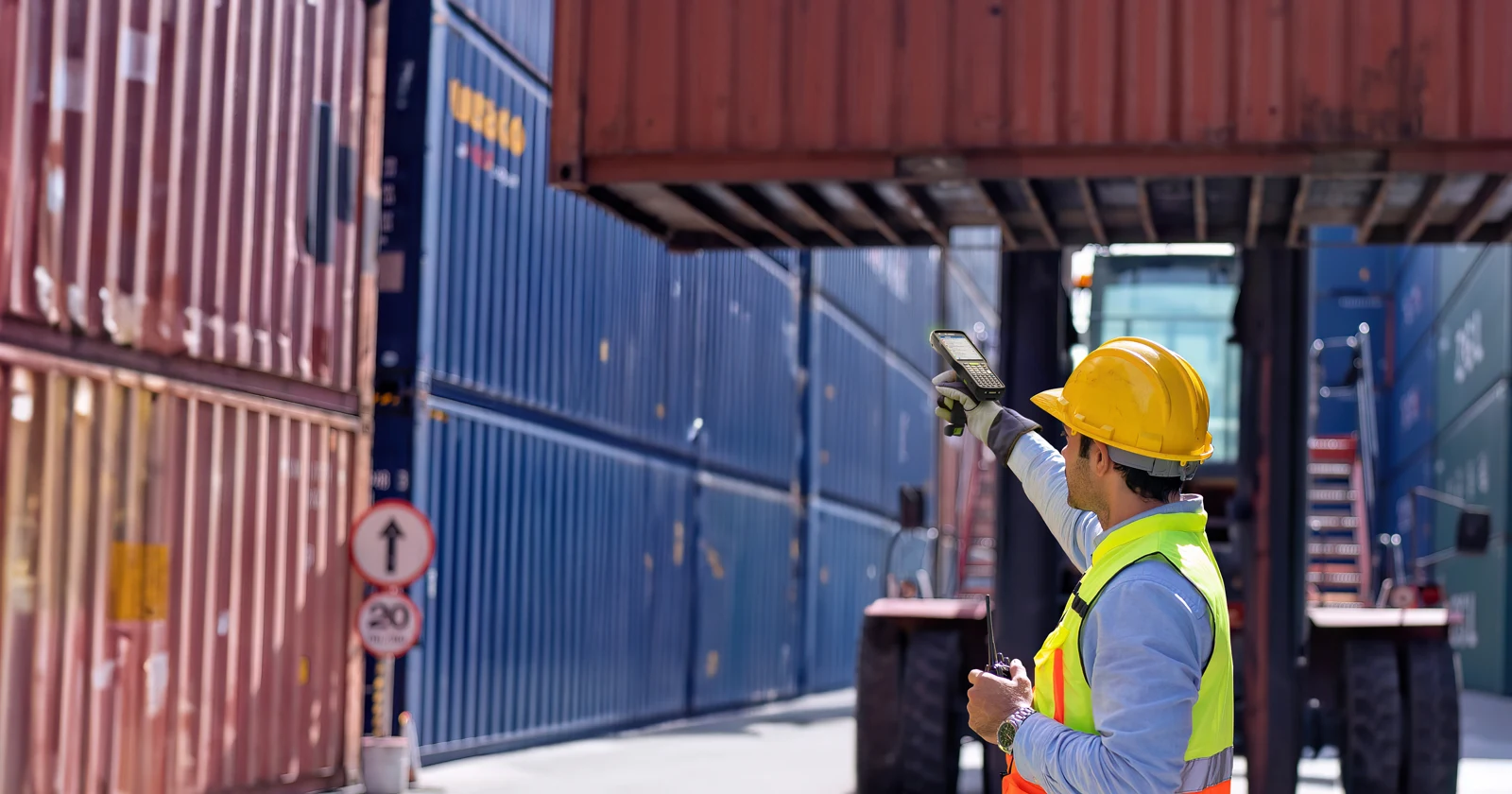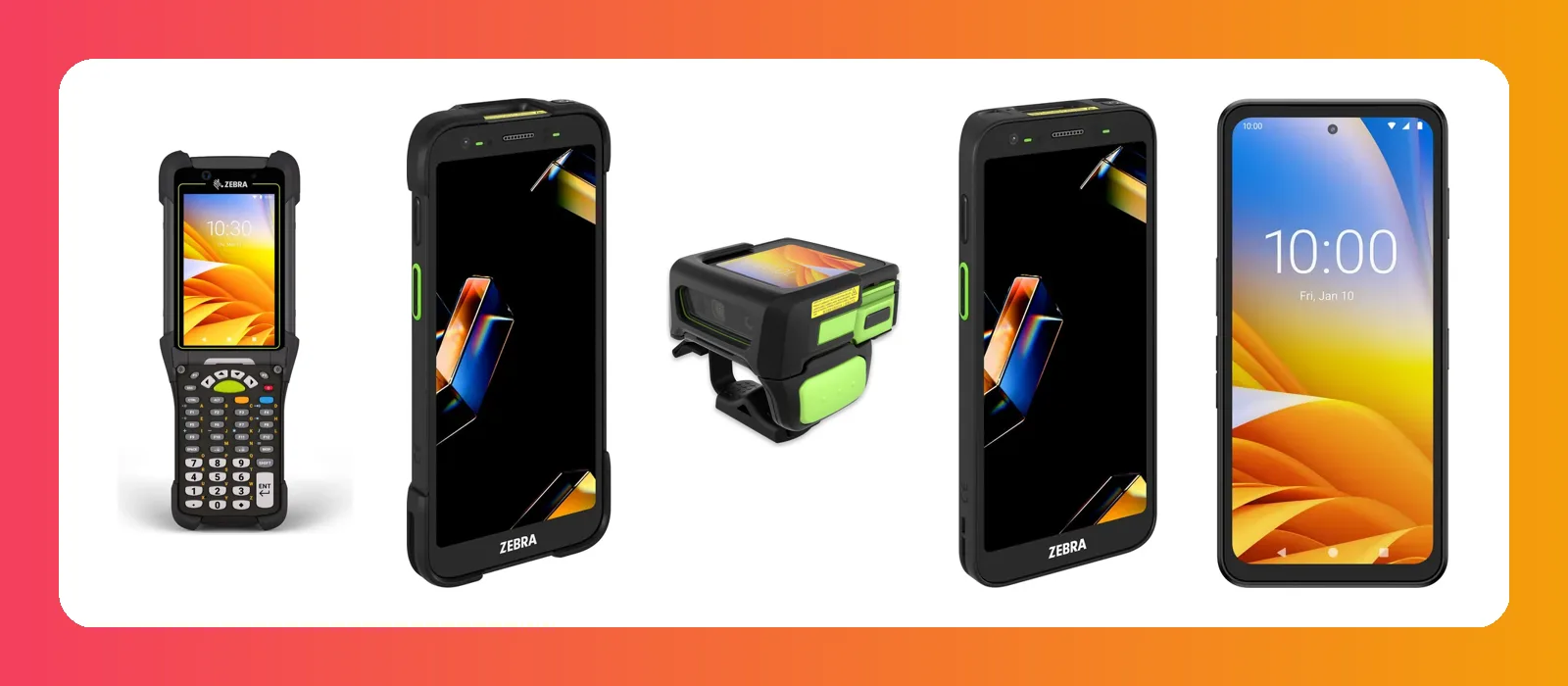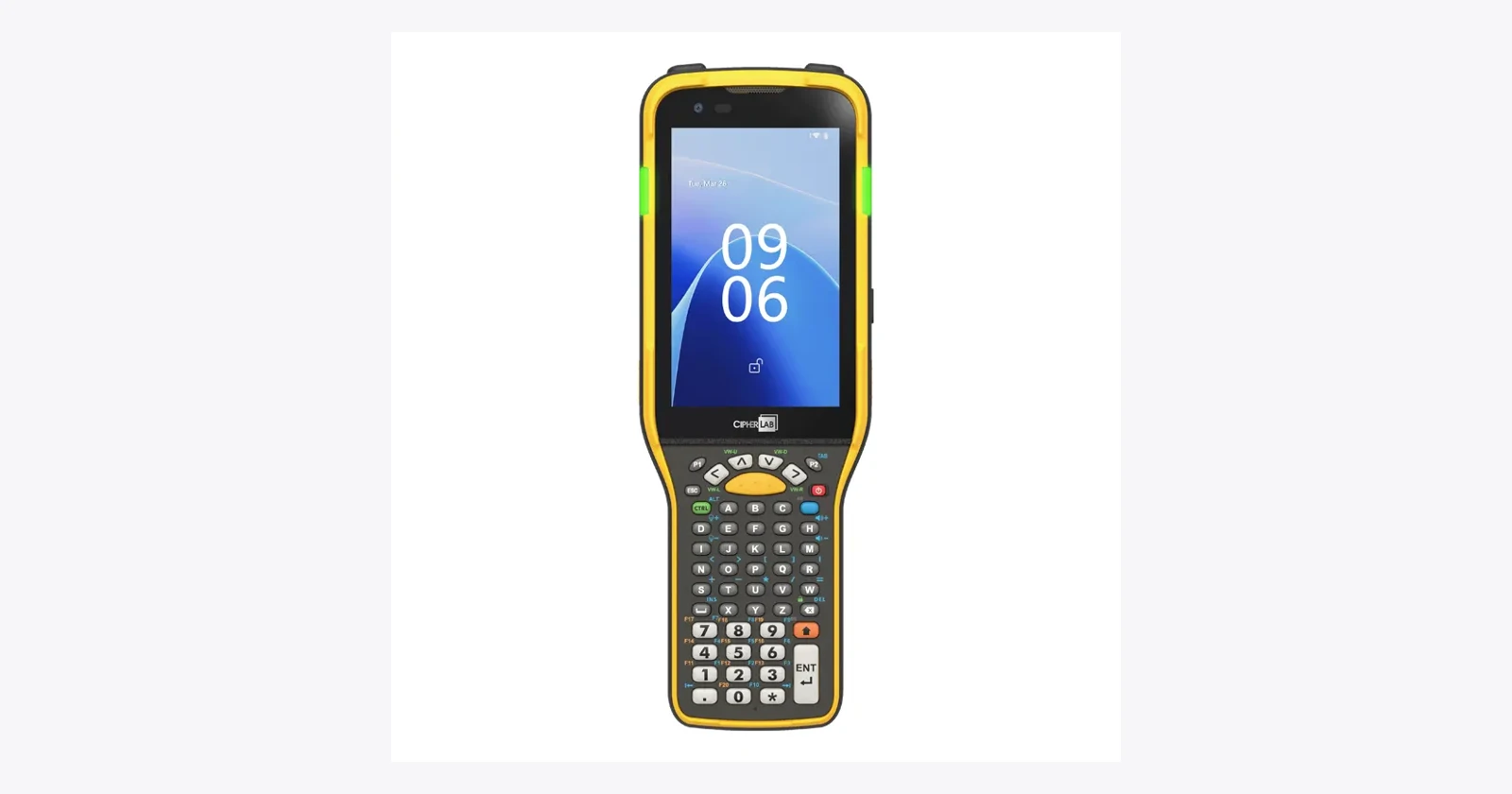
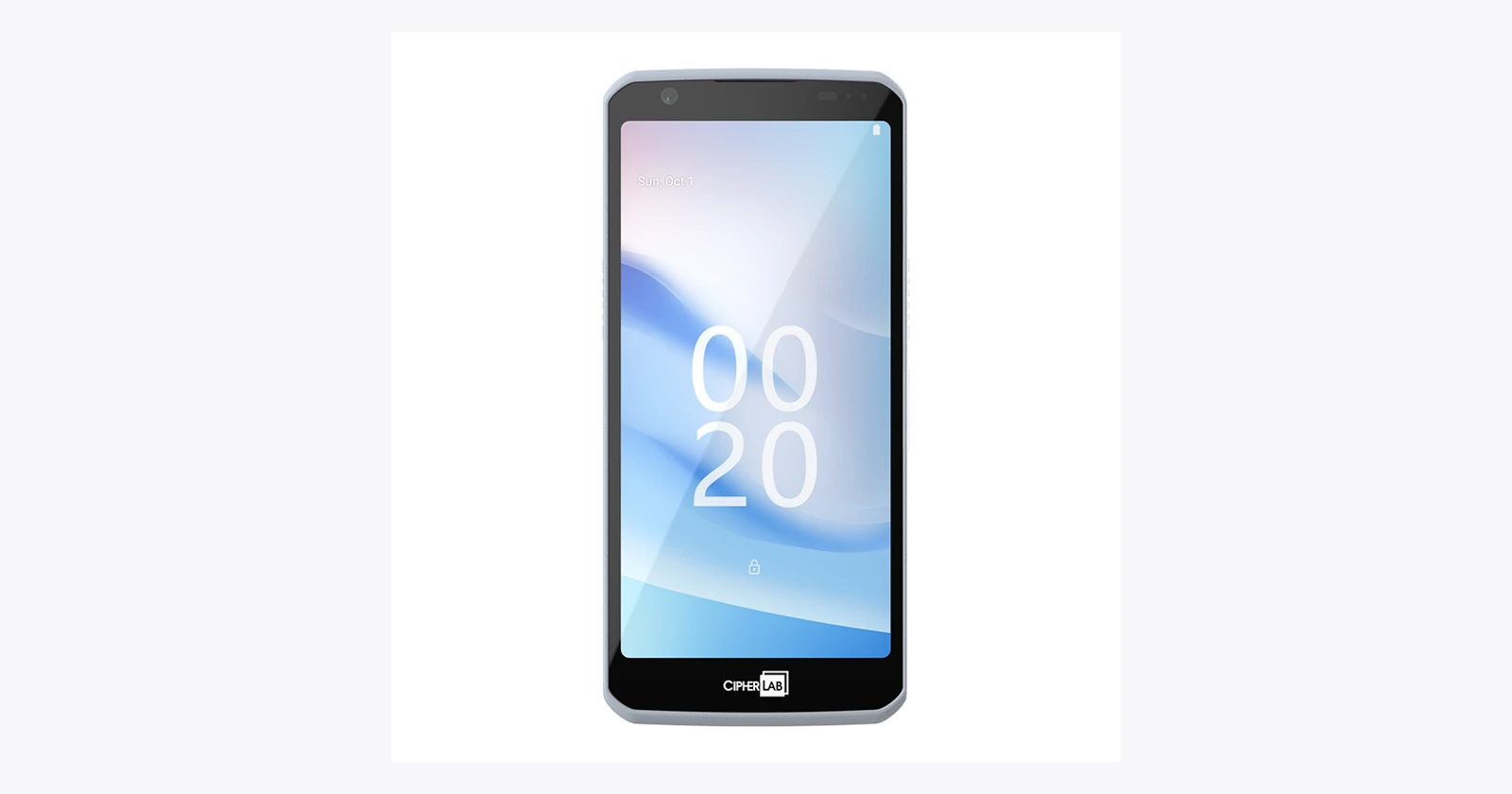
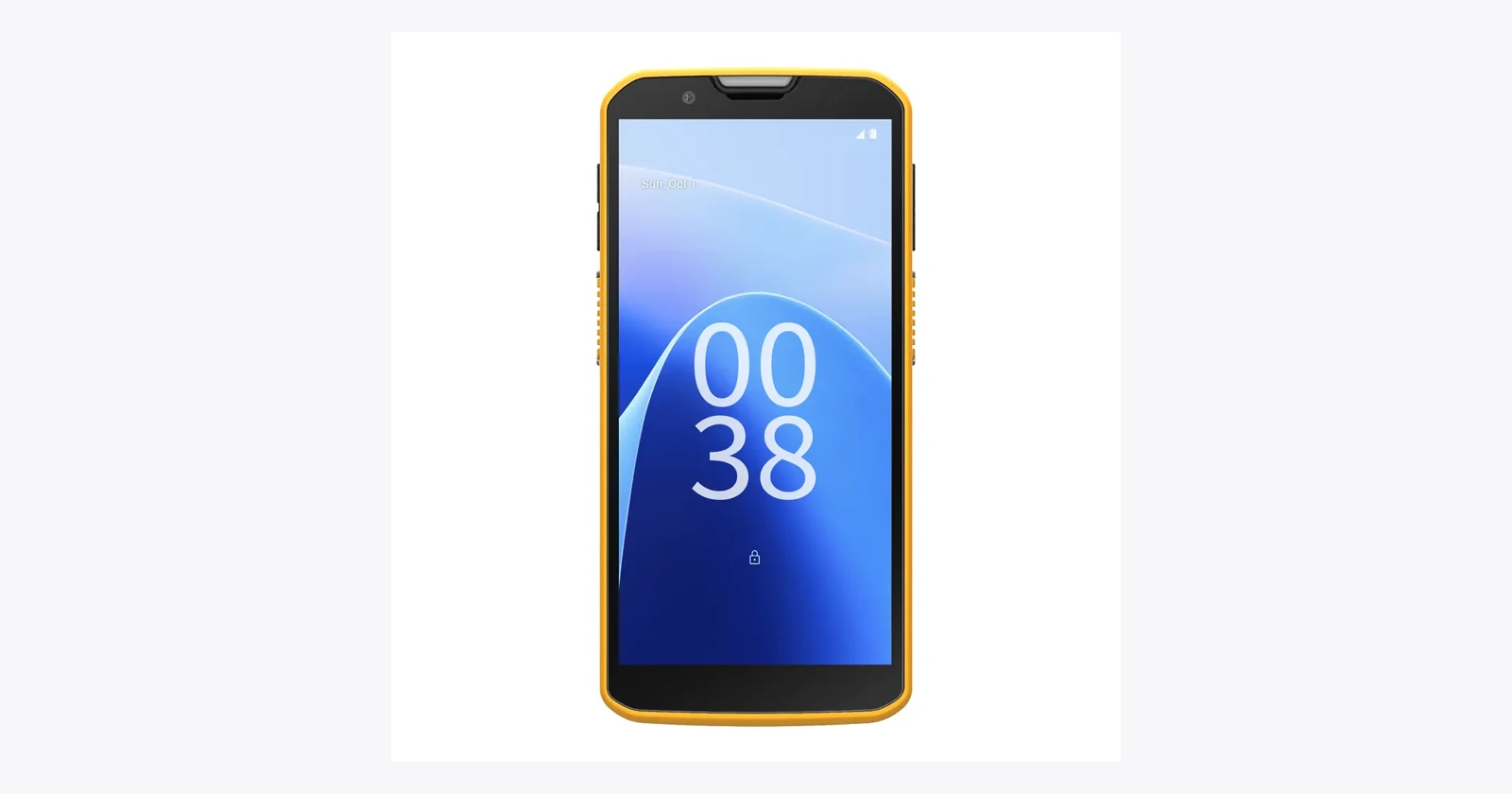
A warehouse picker, a delivery driver and a shop assistant may all scan barcodes. Give them the same handheld and you can still make three different jobs awkward. CipherLab’s mobile-computer range is worth examining because it separates those needs: physical keys for heavy input, touch devices for mobile work, and a dedicated cold-storage configuration.
This guide covers the RK96, RK96 Cold Storage, RS20, RS38 and RK26, with a brief look at the healthcare-focused RS38H. Research was checked on 15 October 2026. These are selected current products; a catalog listing does not establish regional stock, delivered software or compatibility with your application.
What deserves attention in the current range?
CipherLab’s Android catalog marks the RK96, RK96 Cold Storage and RS20 as new. That is useful context, but it is not a dated launch history. The RS38 and RK26 are included as established alternatives, rather than presented as brand-new 2026 releases. CipherLab Android catalog.
| Device | Role to evaluate | Main distinction |
|---|---|---|
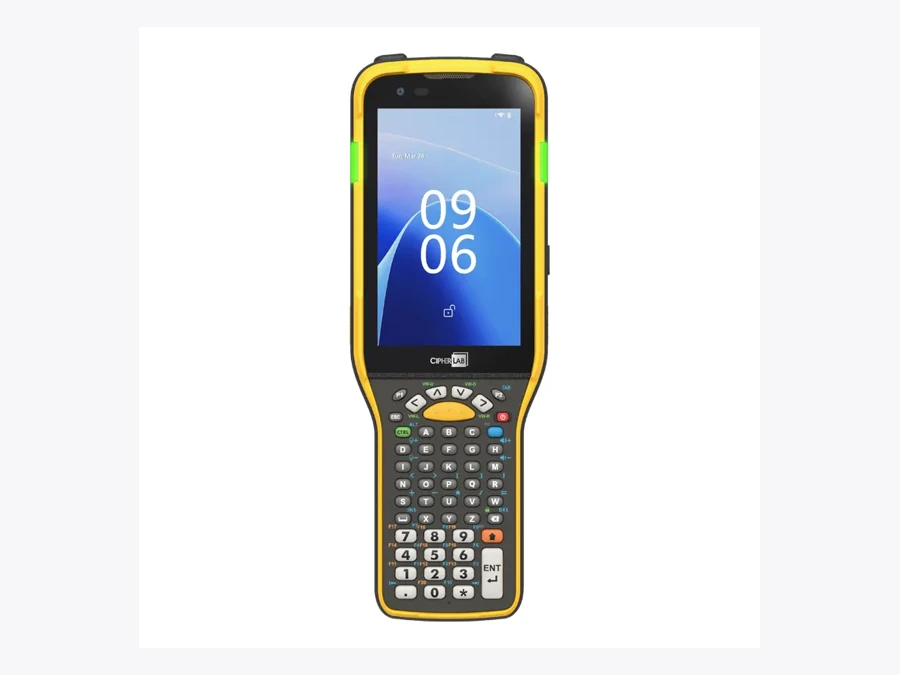
| RK96 | Scan-intensive warehouse work and repeated data entry. | Physical keypad, Wi-Fi 7 and Android 15 platform. |
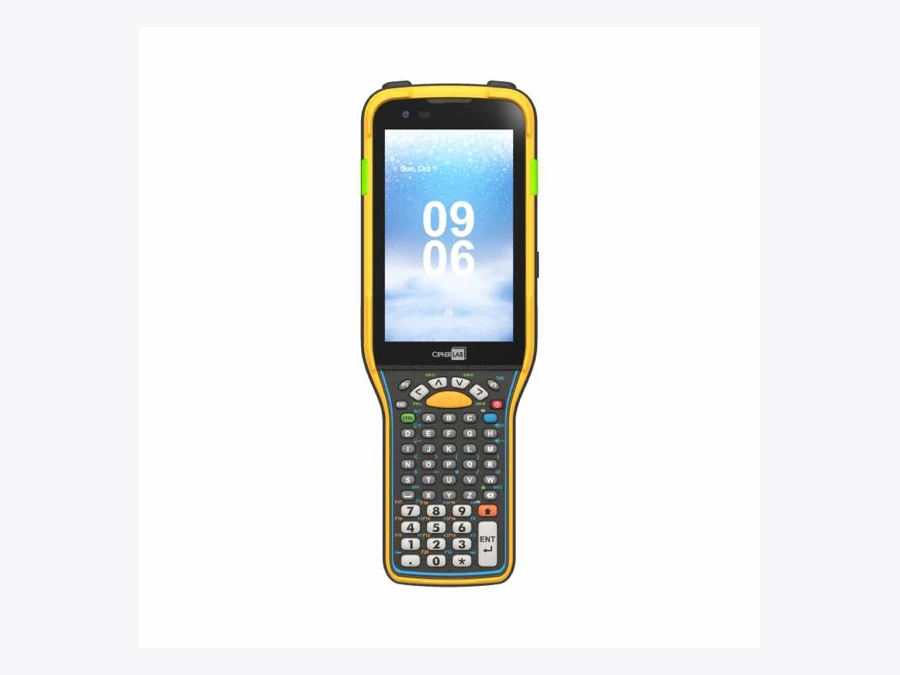
| RK96 Cold Storage | Freezer and cold-chain workflows. | Dedicated heating, sensing and low-temperature battery configuration. |
| RS20 | Retail associates moving between store tasks. | Light touch handheld with on-device OCR and optional UHF. |
| RS38 | Delivery, logistics and other mobile workflows. | 5G touch device with a 6-inch display and scanner options. |
| RK26 | Compact keypad work inside and outside the building. | Wi-Fi 6 and physical entry controls. |
The shortlist should follow the work. Identify the normal scanning distance, the amount of typing, the environment and the information the application needs to show. Then compare the exact part numbers.
RK96: warehouse work still has room for physical keys
The RK96 combines a Qualcomm Q-6690 platform with Wi-Fi 7, Bluetooth 6.0 and a physical keypad. Its specification lists Android 15, an upgrade path to Android 18, 8GB RAM and 128GB storage. The published upgrade path should be checked with the supplier; it does not mean every listed future release is already available. RK96 specifications.
For receiving and picking, the keypad can be more relevant than an impressive processor description. Ask operators to enter quantities, correct a mistake, select an exception and move to the next item. Use their normal gloves. A device that decodes quickly but complicates correction may not improve the whole job.
The family also advertises Pic’n Fill OCR and a rear E-Ink display for identification information. Those are capabilities to evaluate within the application and deployment. They do not establish that the device will automatically recognize your paperwork or know which employee should receive it.
Wi-Fi 7 requires an appropriate network plan to deliver its intended benefits. Check coverage and roaming in the actual aisles, including the transition to a loading area. The application should make a delayed transaction clear and recover without creating duplicate receipts.
Cold storage is a separate specification, not an accessory choice
The RK96 Cold Storage model adds an ITO heating film, temperature sensing and heater controls intended to address fogging when conditions change. CipherLab specifies operation down to −30°C and a dedicated 5,500 mAh battery. Those are manufacturer specifications for this configuration, not a promise that an ordinary RK96 has the same capabilities. RK96 Cold Storage details.
Test the movement between temperature zones, not only scanning inside the freezer. Condensation, gloves, screen visibility and the time spent waiting for an optical surface to clear all affect the workflow. Agree the test conditions with the supplier and follow the operating guidance.
Battery planning also needs its own trial. Do not transfer a standard-model runtime figure to a cold-storage shift. Include the heater behavior, scan frequency, screen settings and battery-change procedure in the assessment, then plan enough charging positions and spares.
RS20: the retail handheld should be easy to carry
CipherLab positions the RS20 for grocery, apparel and convenience retail. The current page lists a 198g device with a 5.5-inch screen, Wi-Fi 6E and Android 16, plus a stated Android 18 upgrade path. Dedicated scan keys and a compact form make it a different starting point from an industrial keypad computer. RS20 product details.
The same page describes on-device Pic’n Fill OCR for text such as expiry dates and batch numbers, with optional UHF RFID for stock and item-location work. Confirm the required hardware, software entitlement and application connection before treating either as an included end-to-end solution.
A store trial should mix tasks. Check a price, receive stock, enter a damaged quantity and answer a customer query. Observe how often staff change screens or ask for help. A device that fits into a pocket can be useful, but a small screen should still show enough information to avoid mistakes.
Contactless capability also needs the intended payment or identification application, supported service and configuration. An NFC specification alone does not turn the handheld into a complete payment terminal.
RS38: touch-first work beyond the warehouse aisle
The RS38 is CipherLab’s 5G touch mobile computer, with Wi-Fi 6E and a 6-inch display. Its current technical table lists standard-range scanner choices and an advanced-range SE5500 option. The selected engine matters: do not apply one configuration’s scanning capabilities to every RS38. RS38 models and specifications.
This is a sensible family to investigate for a worker who needs order information, delivery status and barcode capture on one screen. Test the entire record: identify the parcel, select its status, attach any required image and confirm that the business system received it.
Include a lost connection and a failed read. The driver should know which transaction is waiting to upload and which has been accepted. Faster mobile connectivity cannot replace that application behavior.
CipherLab also lists an RS38H healthcare variant. Treat it as a separate product selection that needs validation against the clinical application and cleaning procedures, rather than assuming that a general RS38 is interchangeable. RS38H healthcare model.
RK26: keep a compact keypad device on the shortlist
The established RK26 combines Wi-Fi 6, keypad input and dedicated scanning in a compact rugged mobile computer. Its published specification describes Android 12 with an Android 14 upgrade path. CipherLab’s support table separately lists both versions for RK26. RK26 product information · supported Android versions.
It deserves consideration when repeated quantity entry matters more than displaying a large form. Use the real software, including shortcuts and corrections. Compare the time and error rate with a full-touch device, rather than assuming that the newer or larger model will win.
Check accessories on the exact quotation. A grip, protective boot, reader option or charging cradle may change the device’s suitability and the cost of preparing a fleet.
OCR can remove retyping. It still needs validation.
CipherLab describes Pic’n Fill as an Edge AI OCR approach that converts text in images into usable data. That is different from reading a barcode: printed text may require interpretation, formatting and a decision about which field it belongs in.
Demonstrate it on the actual supplier label or document. Include faint printing, a damaged surface and more than one date or identifier in view. Check how the application signals uncertainty and how a worker corrects the result.
On-device recognition can reduce reliance on a cloud service for the recognition step. It does not establish that the complete business application works offline or that no data ever leaves the handheld. Document where the image and extracted fields go after capture.
Support and deployment belong in the purchasing decision
CipherLab’s support table lists RK96 on Android 15, RS38 on Android 13 and 15, and RK26 on Android 12 and 14. Confirm the delivered software and the supported upgrade route before rollout. A product page’s future upgrade statement is separate from the firmware currently available. CipherLab Android support table.
The RS38 page contains broader future-support wording than its detailed technical table. Get written confirmation for the proposed part number rather than building the budget around the broadest statement. Request security-update terms, support dates and any subscription requirements.
Ask how the fleet will be configured, updated and restored after a repair. CipherLab advertises deployment and management tools, but the project still needs an owner for application settings, users and spare devices. For a Raptool proposal, test the intended input route, OCR or image delivery and business-system integration; this article certifies no model or optional peripheral compatibility.
Measure the job the device is supposed to improve
Use one repeated workflow as the baseline. Measure a complete, valid transaction with the current equipment and repeat it with the proposed configuration. Include correction, application response and recovery, not only the scanner beep.
Fewer seconds of handling can create useful capacity.
If a tested workflow saves an assumed 4 seconds on 600 transactions per day over 250 working days, it releases about 167 labor-hours annually. At €30 per hour, that is €5,000 of labor capacity, before hardware, software, integration and support. These are hypothetical inputs, not a CipherLab benchmark or a cash-saving forecast.
Capacity can improve service or reduce a backlog while payroll remains unchanged. A cash-saving case needs evidence that paid expenditure falls, with the full initial and recurring costs included.
The useful CipherLab decision is a specific one: a keypad device for repeated entry, a cold-storage configuration for temperature transitions, or a touch handheld for mobile and retail tasks. Put that choice through an ordinary shift with the people who will use it.
Family reference and configuration checks
CipherLab RK96 · technical details
CipherLab RK96
Official product and configuration details
| Role to evaluate | Frequent scanning and quantity entry |
|---|---|
| Published configuration notes | Android 15; Wi-Fi 7; hot-swappable standard battery. |
| Before ordering | Confirm scanner, keypad and support terms. |
Advantage to evaluate: Frequent scanning and quantity entry.
Trade-off: Confirm scanner, keypad and support terms.
Checked 15 October 2026. Family photograph, not certification of the pictured options or business-app compatibility. See the manufacturer’s current part-number list for complete specifications.
CipherLab RK96 Cold Storage · technical details
CipherLab RK96 Cold Storage
Official product and configuration details
| Role to evaluate | Freezer and cold-chain work |
|---|---|
| Published configuration notes | Heated screen configuration; cold-rated battery; specified down to −30°C. |
| Before ordering | Confirm the cold-storage part number and operating conditions. |
Advantage to evaluate: Freezer and cold-chain work.
Trade-off: Confirm the cold-storage part number and operating conditions.
Checked 15 October 2026. Family photograph, not certification of the pictured options or business-app compatibility. See the manufacturer’s current part-number list for complete specifications.
CipherLab RS20 · technical details
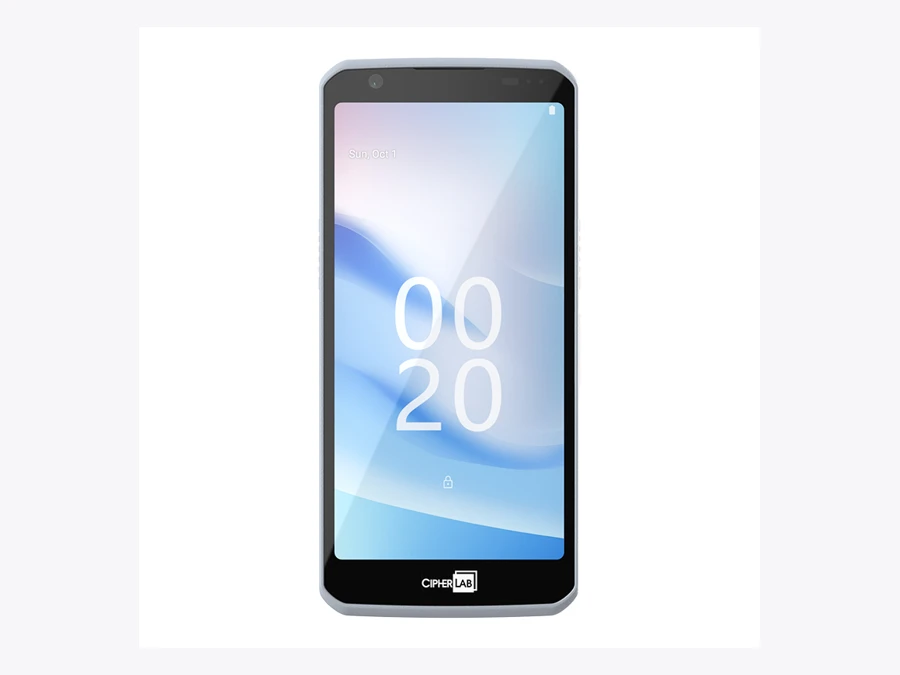
CipherLab RS20
Official product and configuration details
| Role to evaluate | Retail associates moving between tasks |
|---|---|
| Published configuration notes | Android 16 published specification; 5.5-inch display; optional UHF. |
| Before ordering | Check optional accessories and application integration. |
Advantage to evaluate: Retail associates moving between tasks.
Trade-off: Check optional accessories and application integration.
Checked 15 October 2026. Family photograph, not certification of the pictured options or business-app compatibility. See the manufacturer’s current part-number list for complete specifications.
CipherLab RS38 · technical details
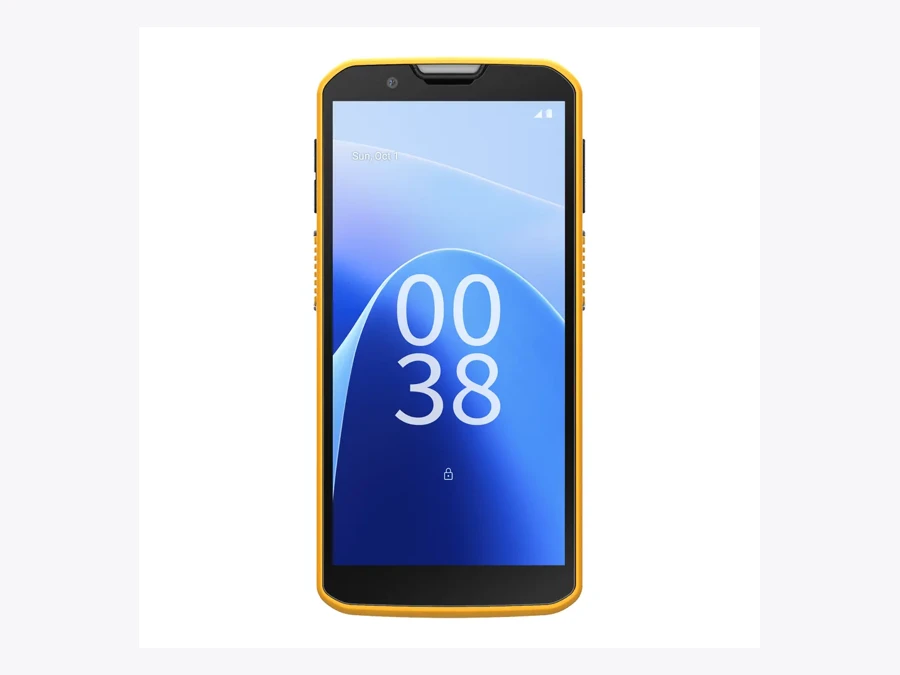
CipherLab RS38
Official product and configuration details
| Role to evaluate | Delivery and logistics work |
|---|---|
| Published configuration notes | 5G; 6-inch screen; standard and advanced scan-engine configurations. |
| Before ordering | Obtain written confirmation of the OS upgrade path. |
Advantage to evaluate: Delivery and logistics work.
Trade-off: Obtain written confirmation of the OS upgrade path.
Checked 15 October 2026. Family photograph, not certification of the pictured options or business-app compatibility. See the manufacturer’s current part-number list for complete specifications.
CipherLab RK26 · technical details
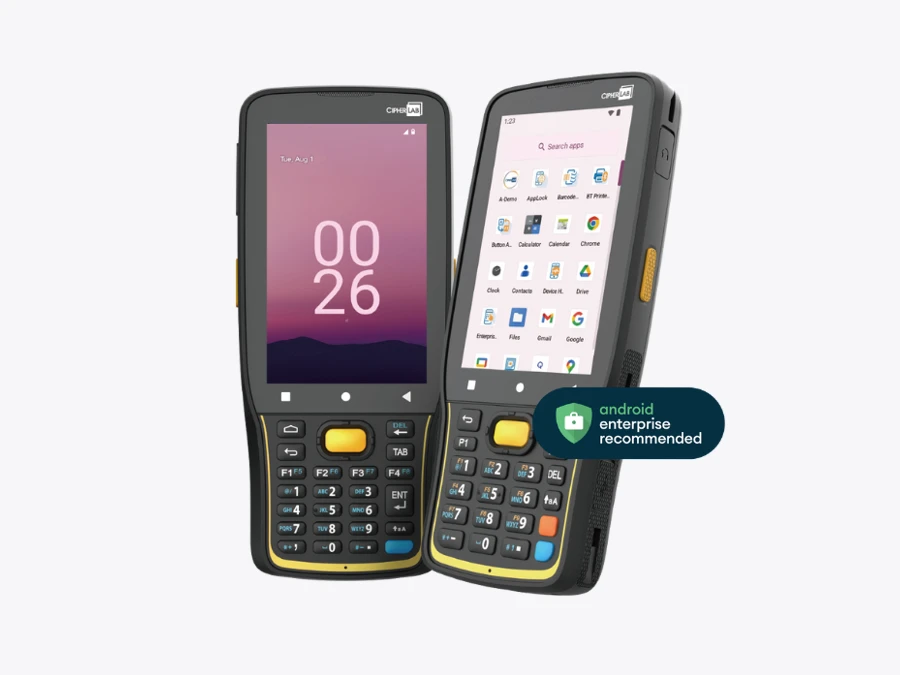
CipherLab RK26
Official product and configuration details
| Role to evaluate | Repeated entry with a smaller handheld |
|---|---|
| Published configuration notes | Wi-Fi 6; Android 12 with Android 14 upgrade listed. |
| Before ordering | Confirm delivered firmware and remaining support. |
Advantage to evaluate: Repeated entry with a smaller handheld.
Trade-off: Confirm delivered firmware and remaining support.
Checked 15 October 2026. Family photograph, not certification of the pictured options or business-app compatibility. See the manufacturer’s current part-number list for complete specifications.
Questions before you order
Which CipherLab devices are new in this guide?
CipherLab’s checked catalog labels RK96, RK96 Cold Storage and RS20 as new. This is catalog status, rather than a verified launch date or regional stock guarantee.
Does on-device OCR remove the need for application integration?
No. Recognition is one step. The application still needs to validate the result and connect it to the correct record or business process.
Can I assume every RS38 will receive Android 18?
No. The checked product overview and detailed specification describe different support horizons. Obtain confirmation for the exact part number and support agreement.
Sources and scope
Research checked 15 October 2026. Manufacturer claims are attributed; proposed task comparisons and the capacity example are our analysis. No independent device benchmark was performed.