Warehouse management system
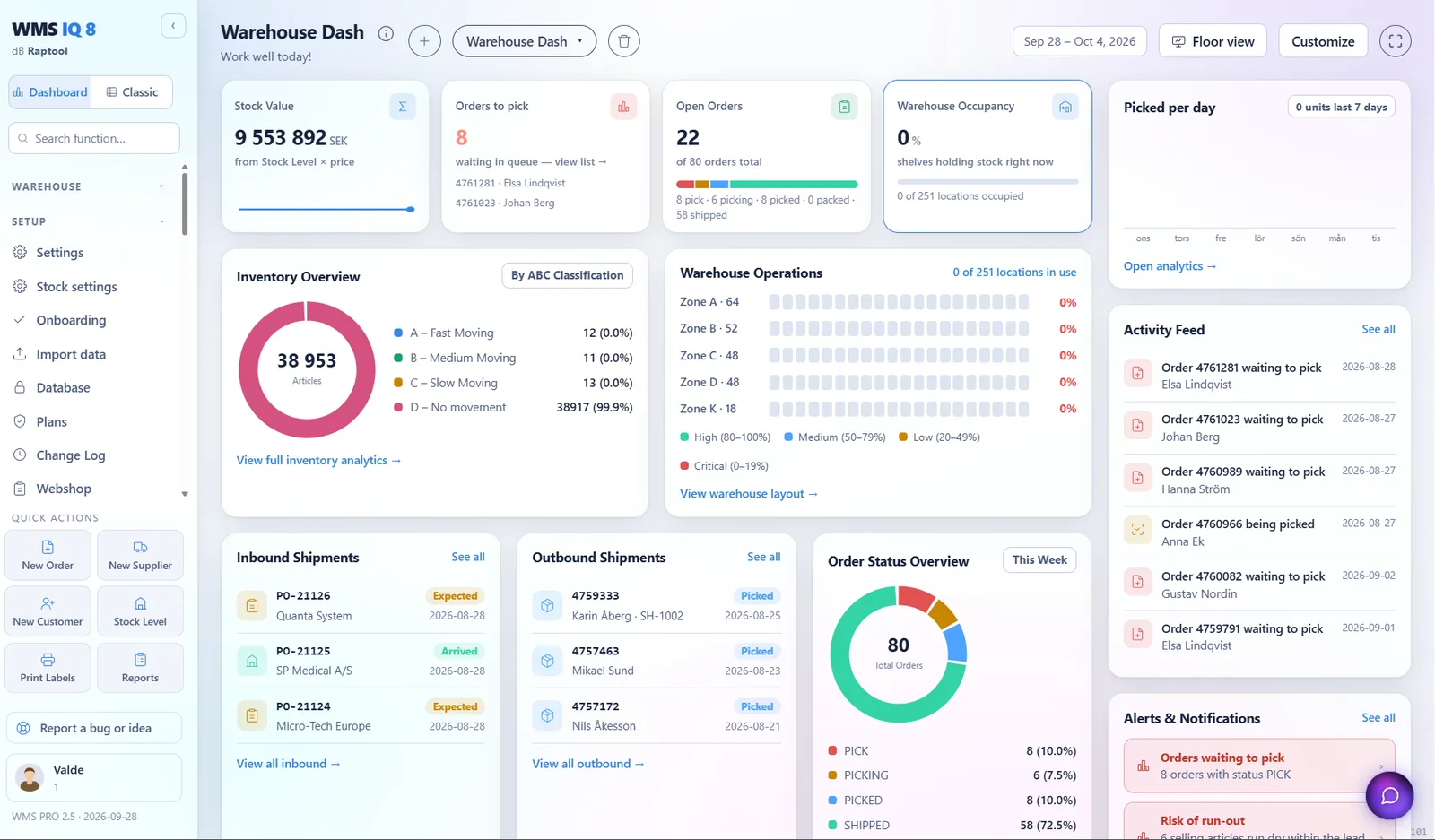
Raptool WMS runs receiving, picking, stock counts and shipping from one web app and any phone or rugged scanner. It syncs both ways with Fortnox and your other systems.


Connects to the systems you already run
Pick a step to see how it works, from ordering to counting.
Purchasing
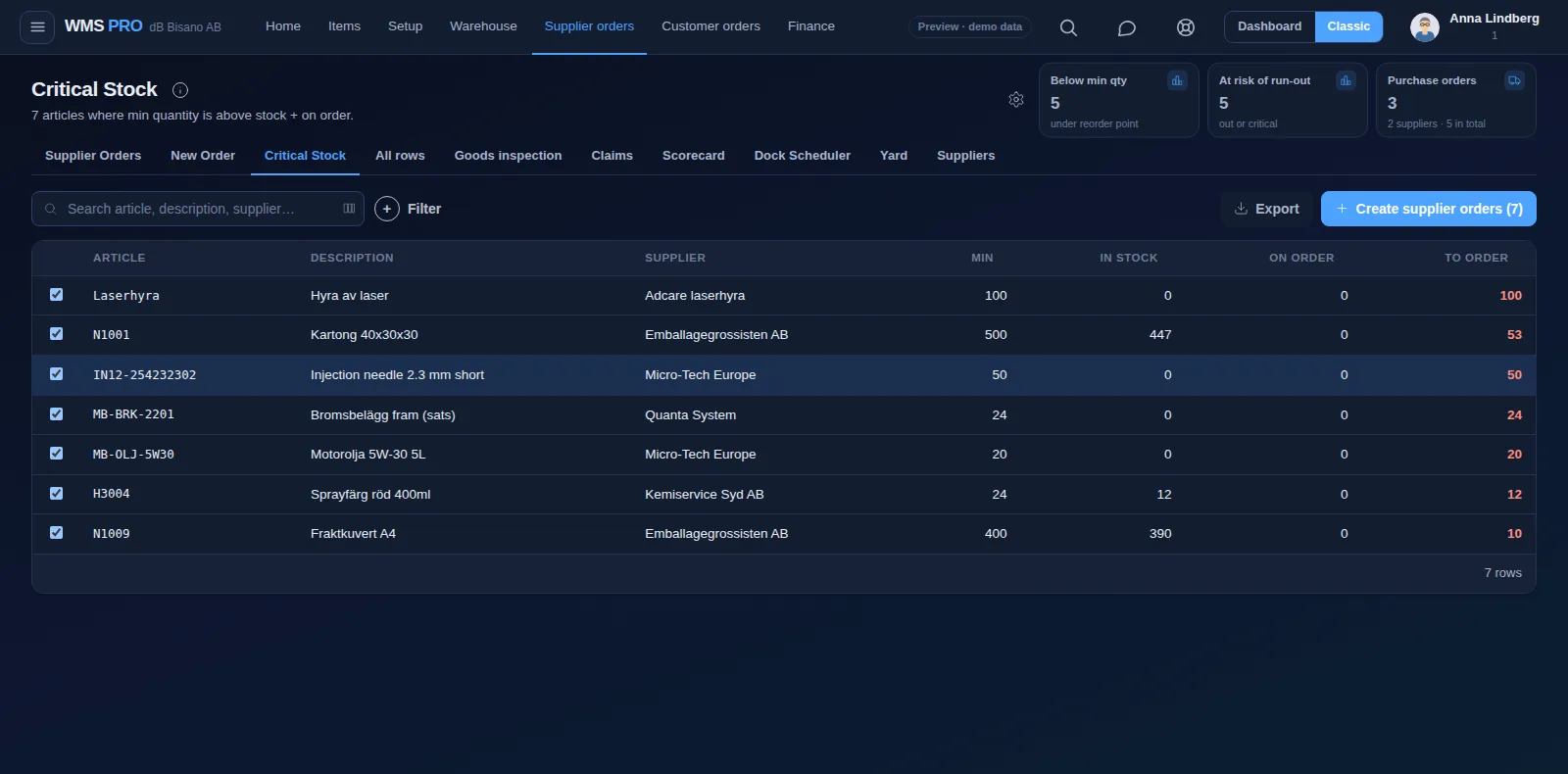
Start from the articles that fell below their minimum, or write an order from scratch. Then email it to your supplier from the same screen.

Receiving
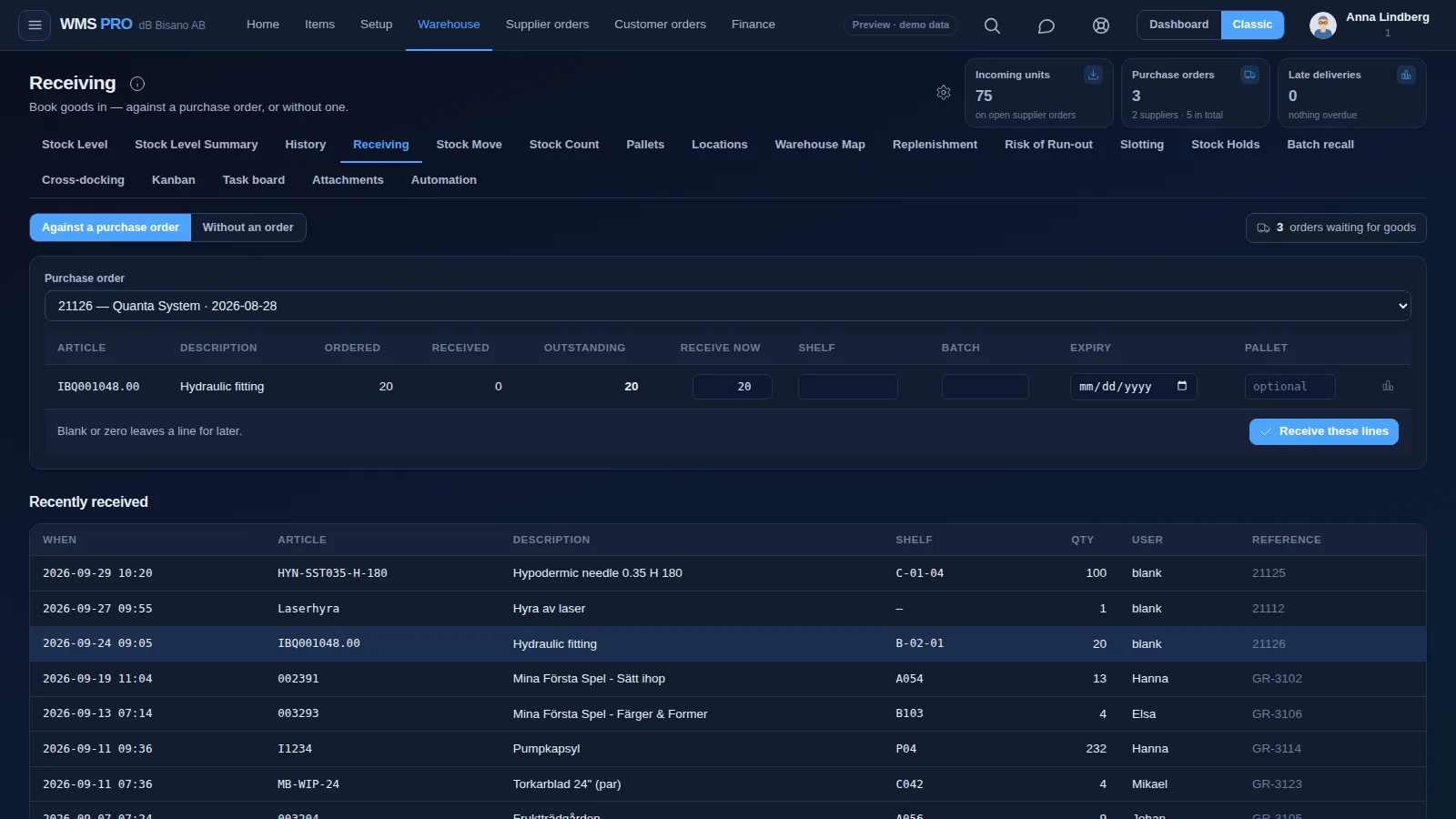
Scan the delivery in on the handheld and post it to a shelf. Anything short or damaged goes into a claim.

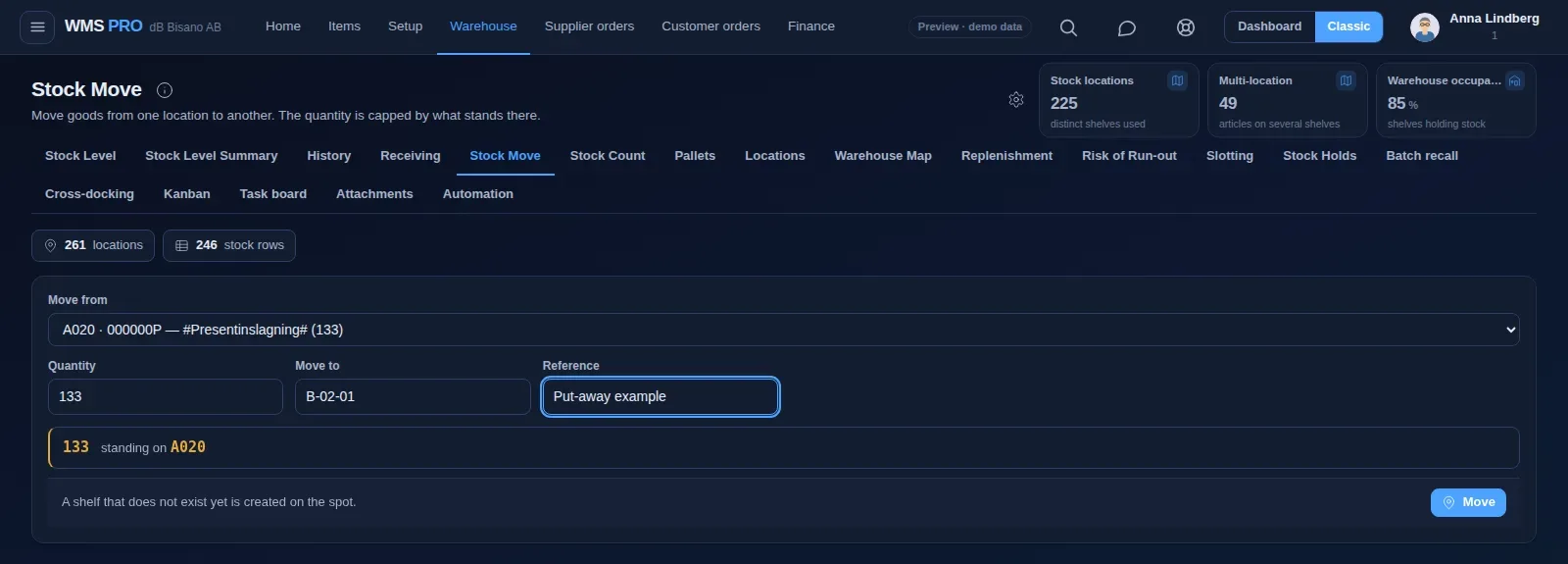
Stock move
Choose where it stands now, enter the quantity and the new shelf. The quantity is capped by what stands there.

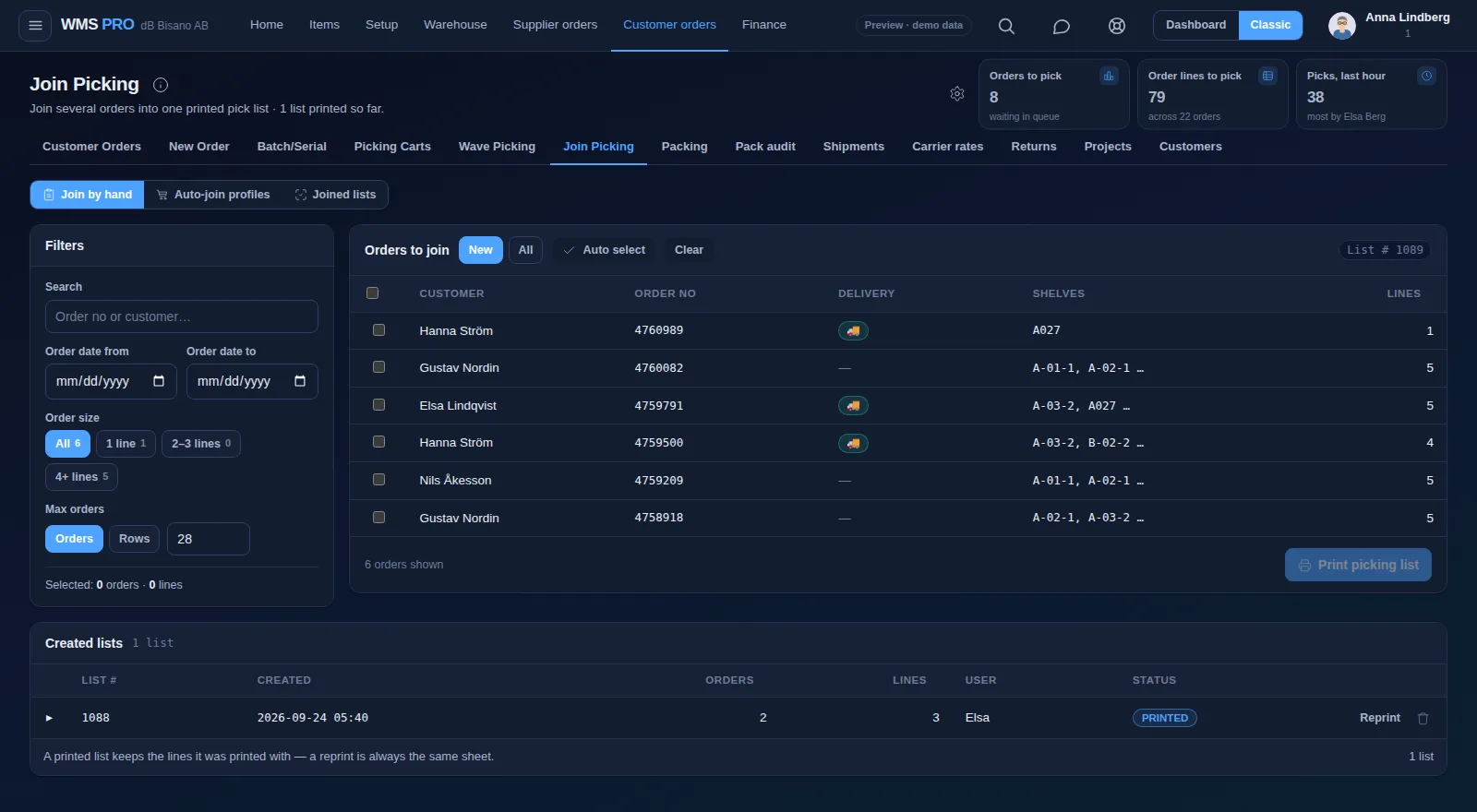
Picking
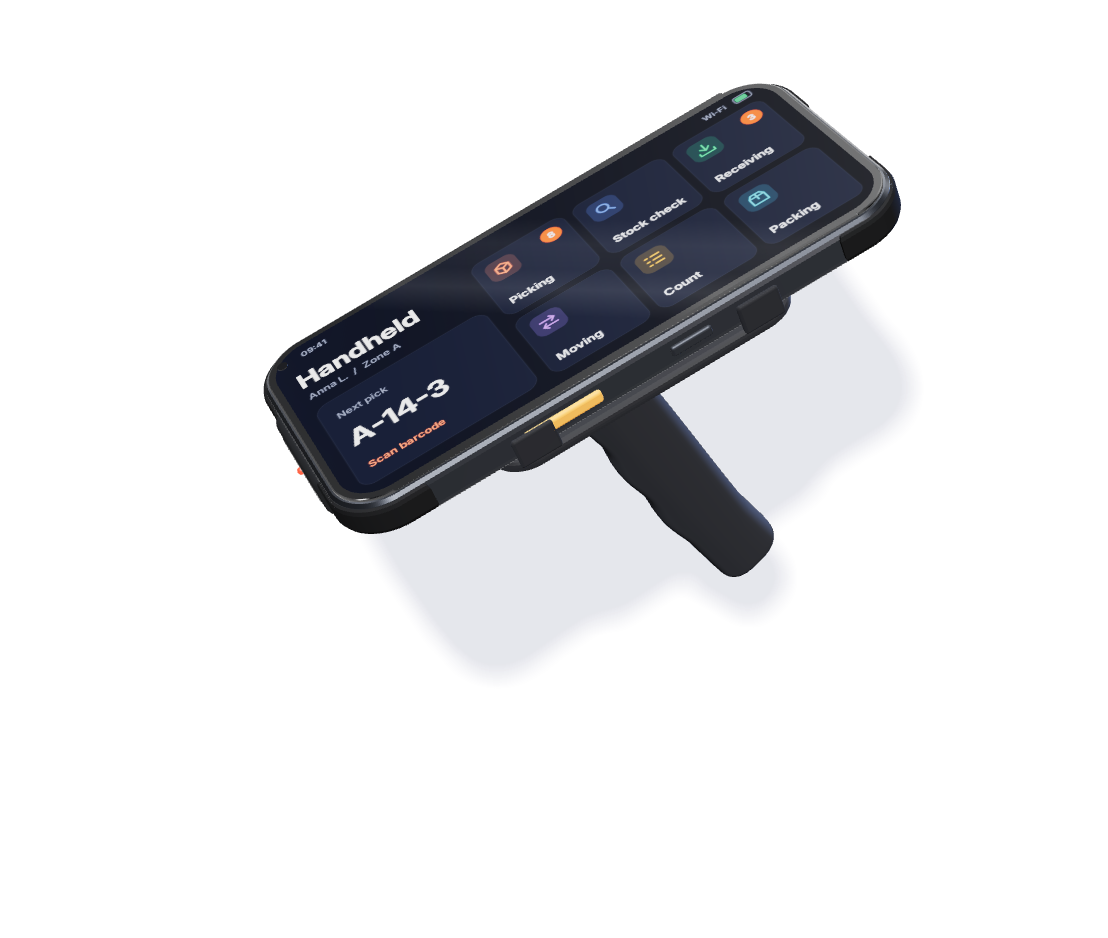
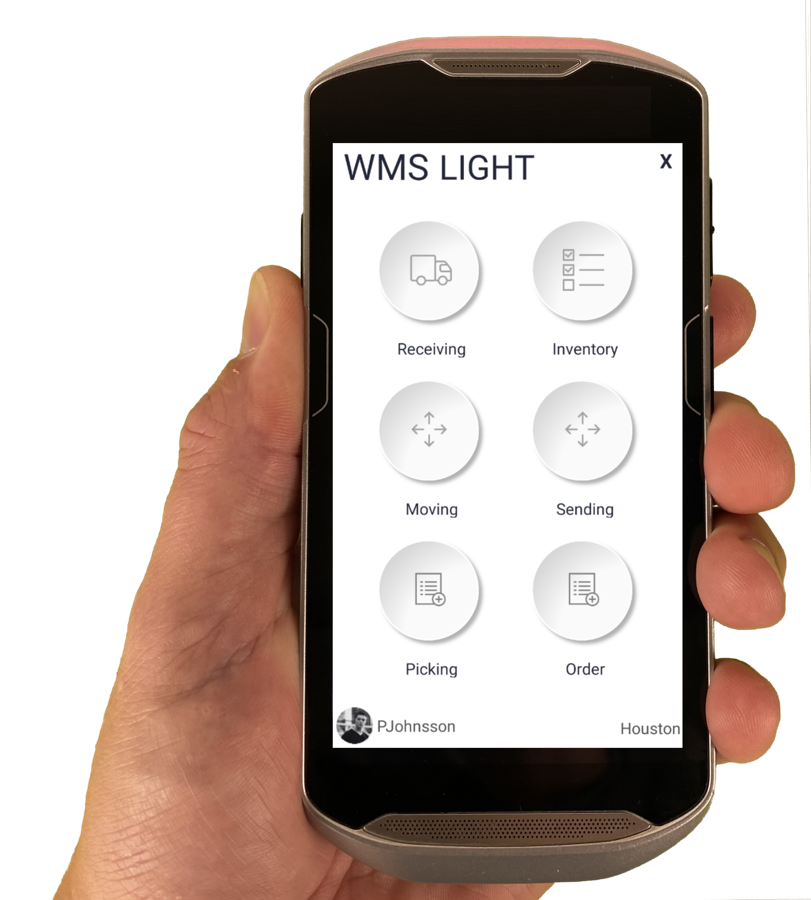
Join orders into a single printed pick list, or group them into a wave that follows the pick path. On the handheld, every pick line gets its own screen.

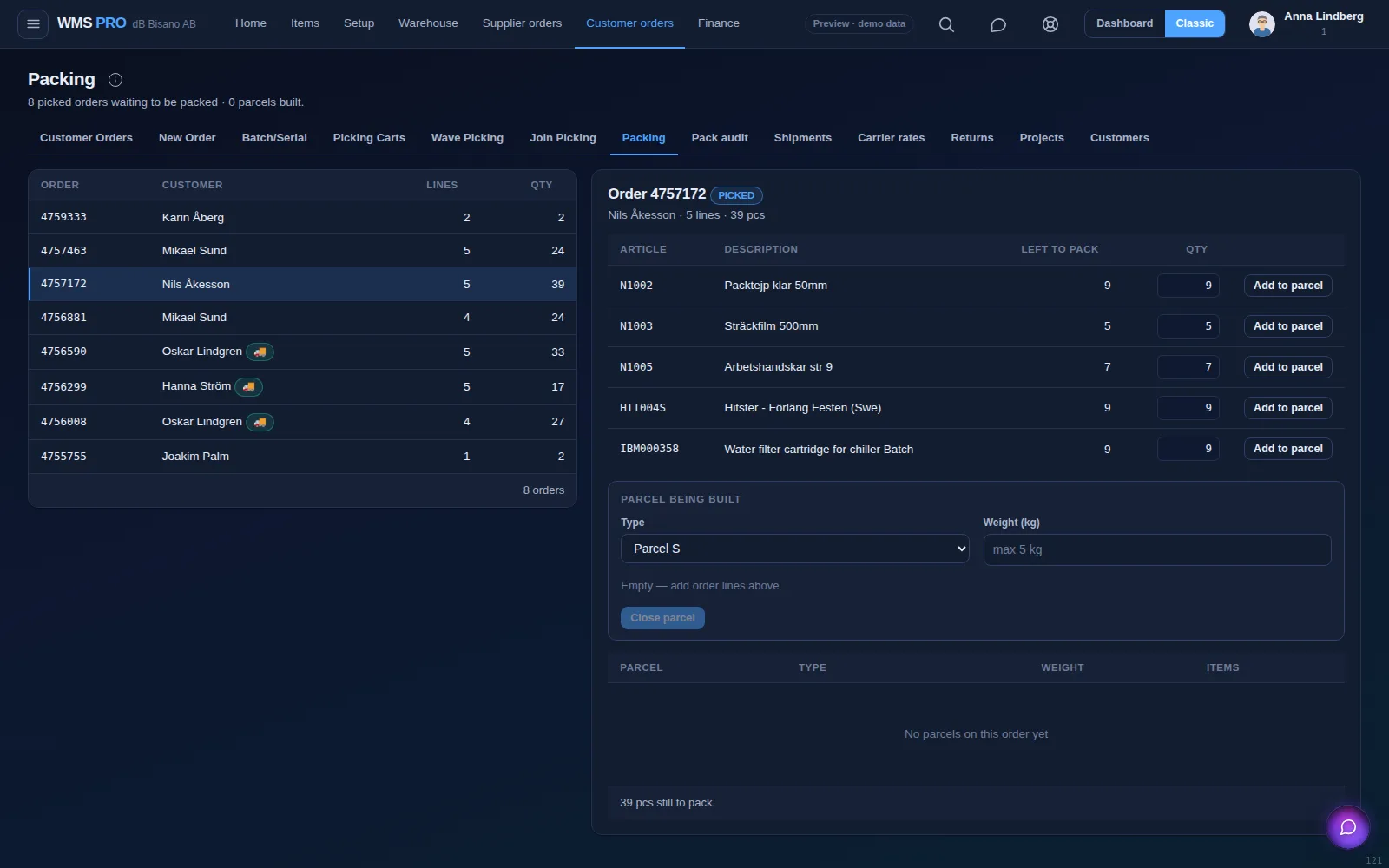
Packing
Picked orders are packed into parcels with a type and a weight. The order then moves on to shipping with a label and tracking number.

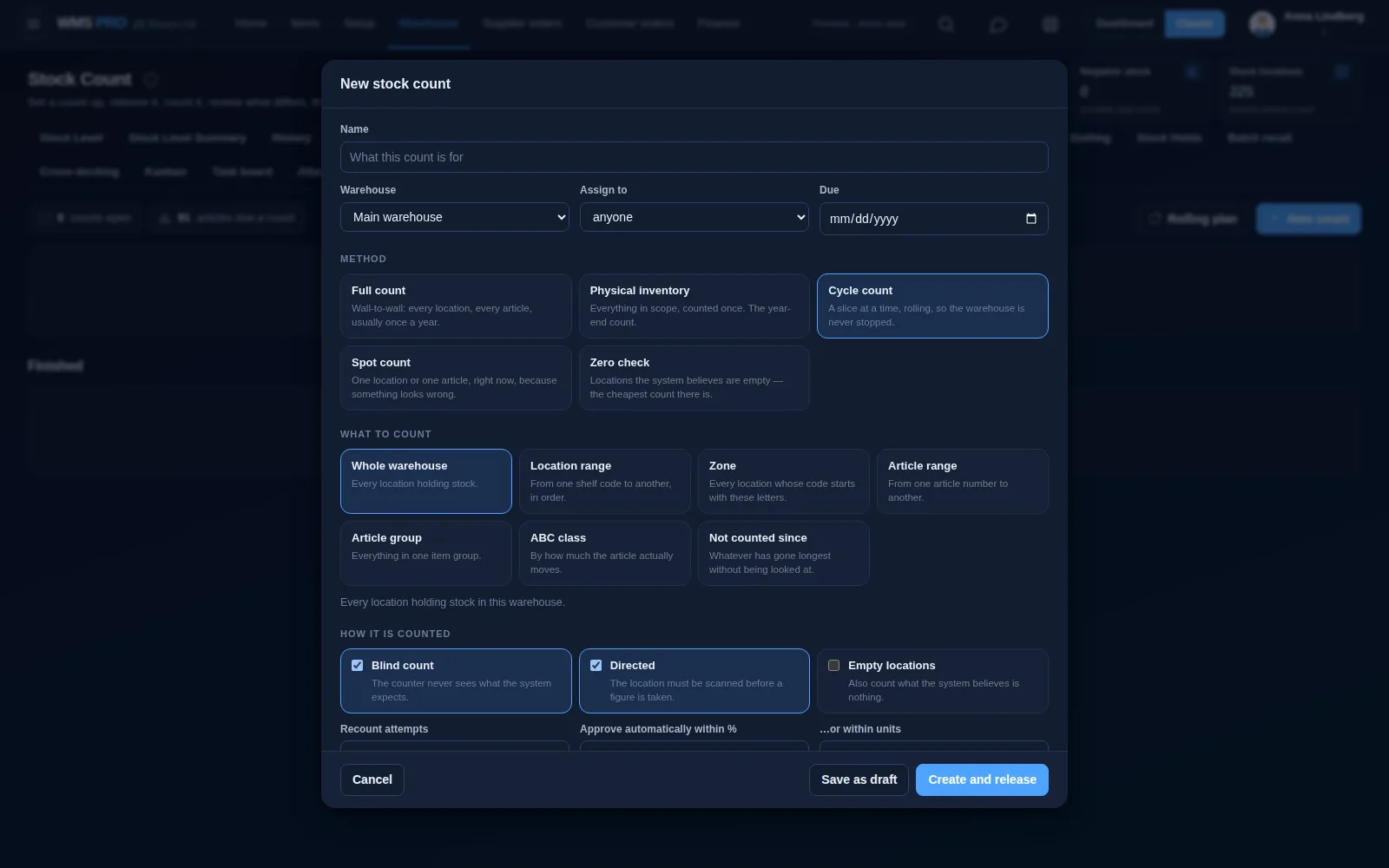
Stock count
Start a count as a full count, cycle count, spot count or zero check. You review what differs before it changes your stock.

Barcode scanning
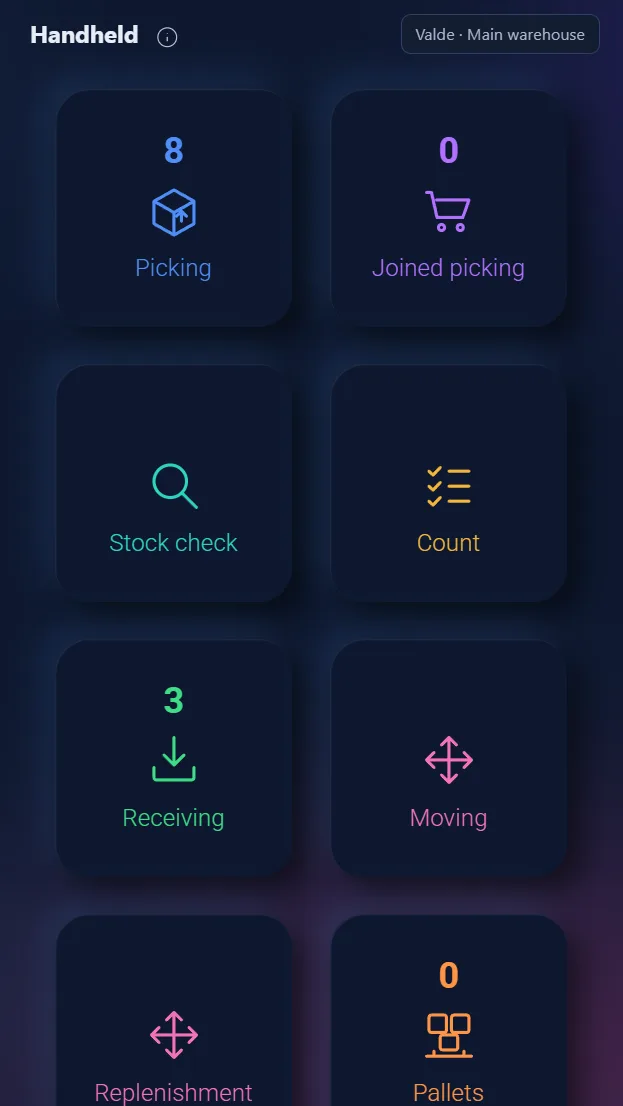
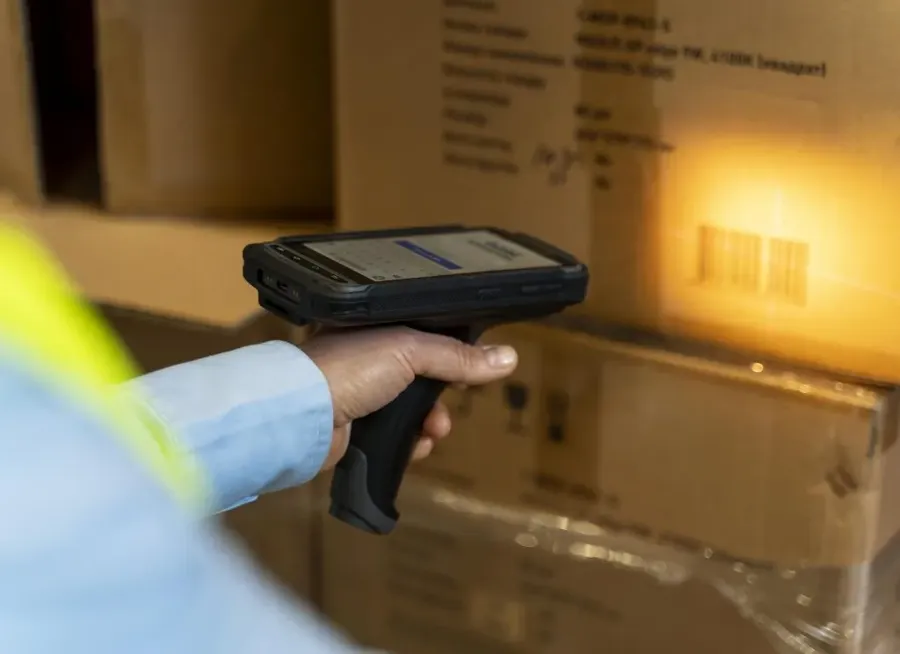
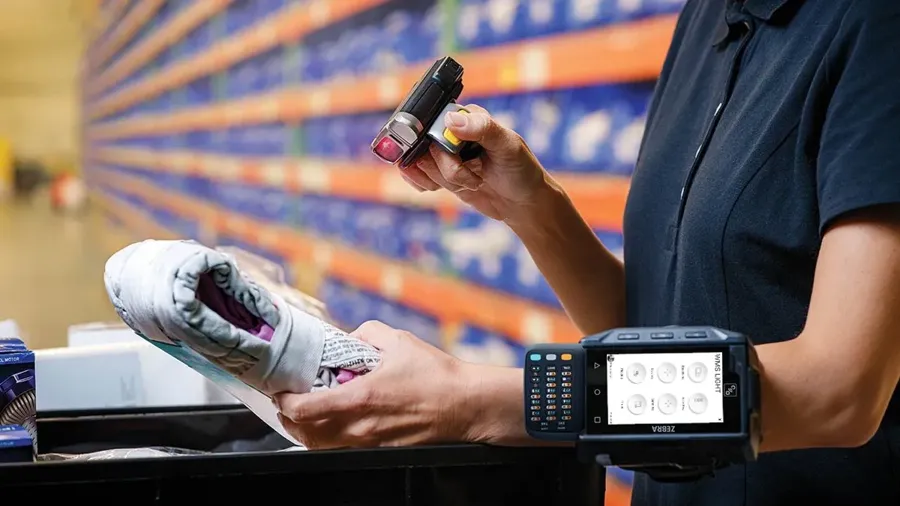
Scan with the phone camera or a rugged scanner, and read RFID tags from up to 15 m. The handheld shows one pick line at a time and rejects a wrong location code.


Demand-based restocking
Raptool WMS compares your stock with your minimums and your lead time, then turns the gap into a purchase order or a production run.
From the dock to the customer, every step is scanned and booked.
Track the delivery in Raptool TMSRoutes, drivers and live trackingExplore Raptool TMS →
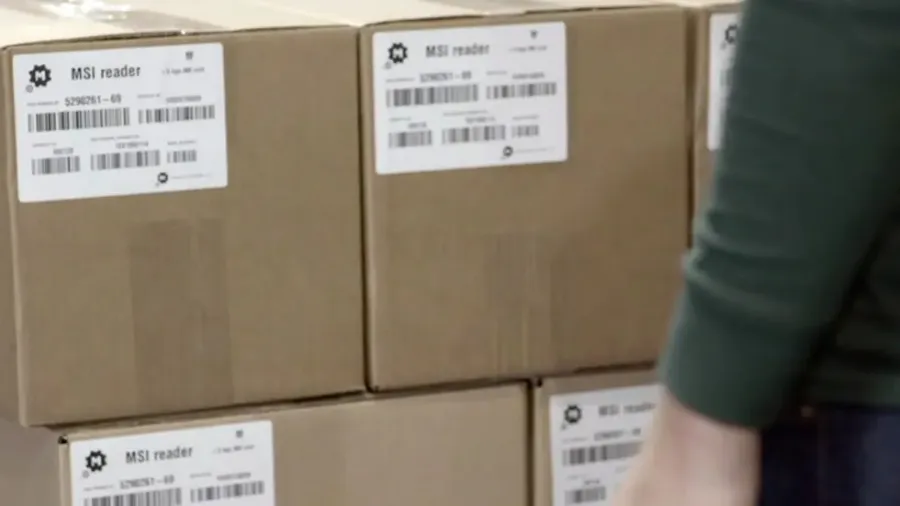
Several barcodes per part, and batch recall locks a batch everywhere it sits.
The Raptool Client is a native app for Android, iOS, Windows and Mac. Mix phones, tablets and rugged scanners on the same floor.

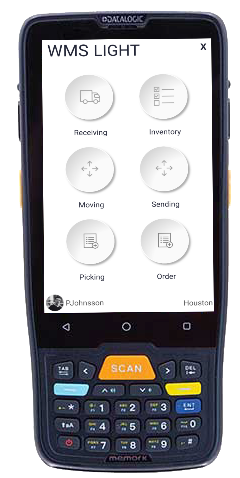
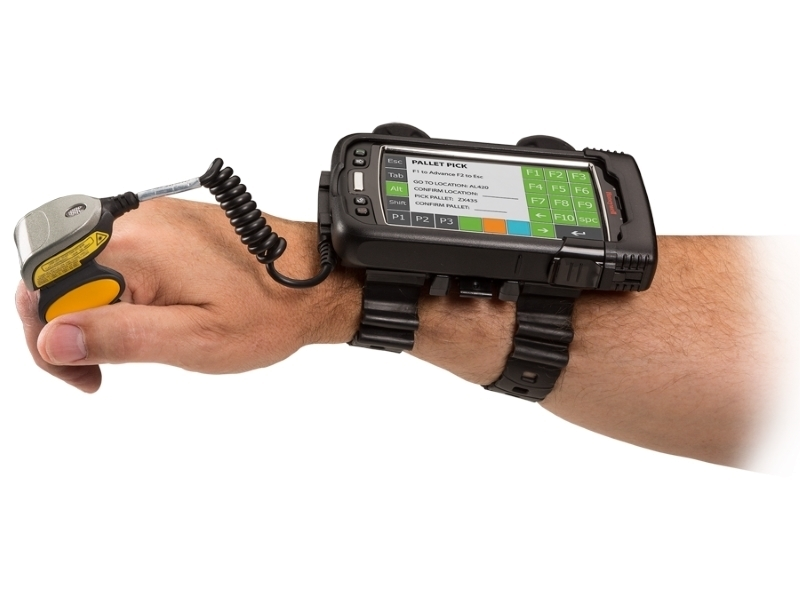
Purpose-built devices we recommend for the warehouse floor.

Scan barcodes with a rugged scanner, or with the camera on any Android or iOS smartphone.

Voice picking keeps your hands free. RFID reads tags from up to 15 m.
Download the Raptool Client from Play Store, App Store or our download page, log in and start scanning.